Use this guide when one or more green LEDs inside the control box are not illuminated.
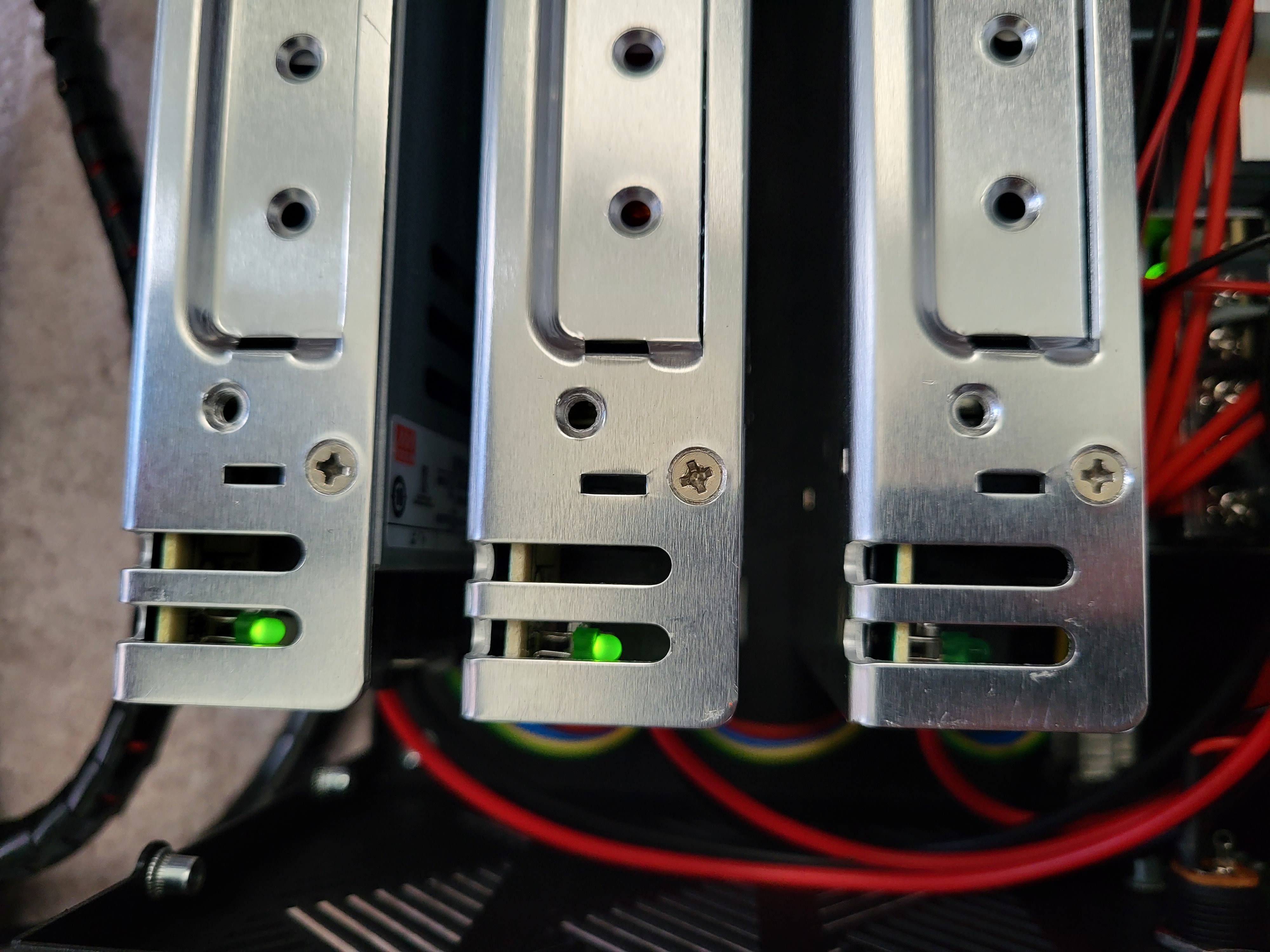
Before You Begin
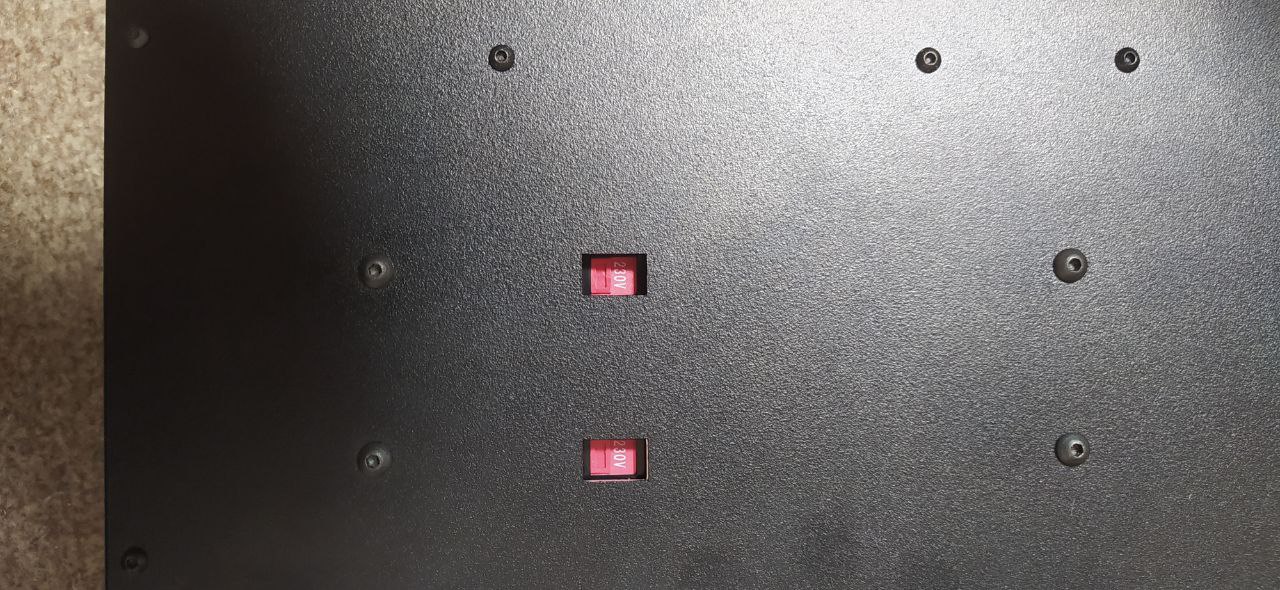
First, check the 115/230V selector switches on the bottom of the control box. Every switch must match your local electrical supply. Turn off and disconnect the control box from power before changing a voltage selector or disconnecting any component.
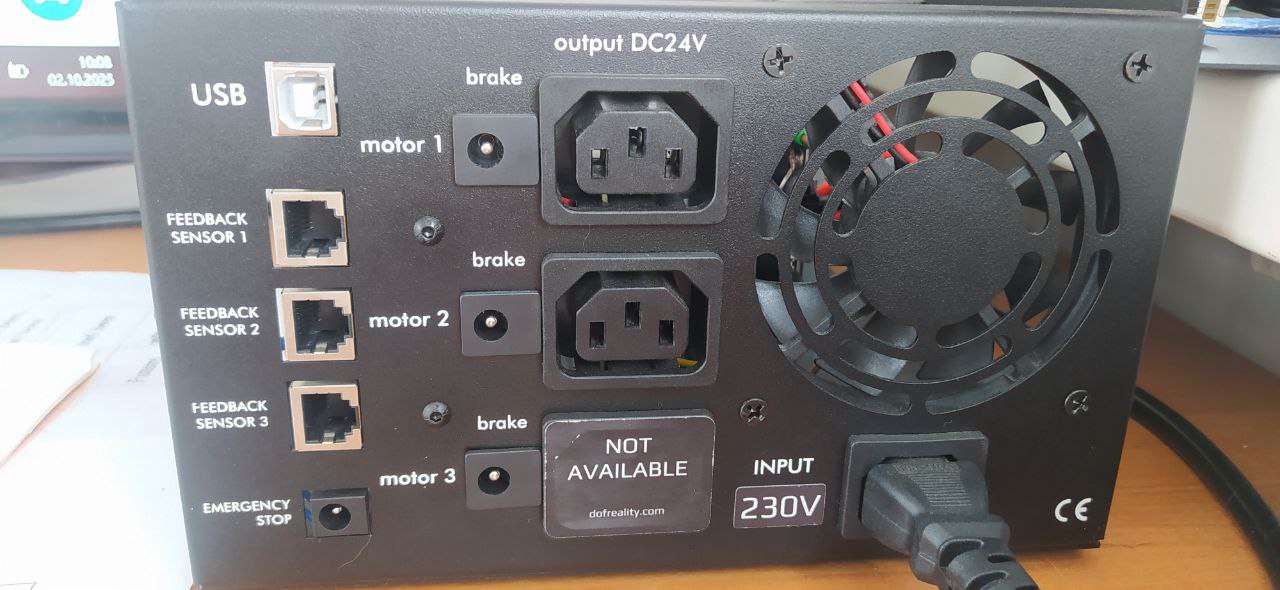
A power-supply LED may turn off when short-circuit protection is triggered. The possible causes covered in this guide are:
- A failed 5KP24CA diode
- A failed Cytron MD13S motor driver
- A failed Mean Well LRS-350-24 power supply
Follow the steps below for each power supply with an unlit green LED.
Step 1: Disconnect the Motors
Turn off and disconnect the control box from power, then disconnect the motors.
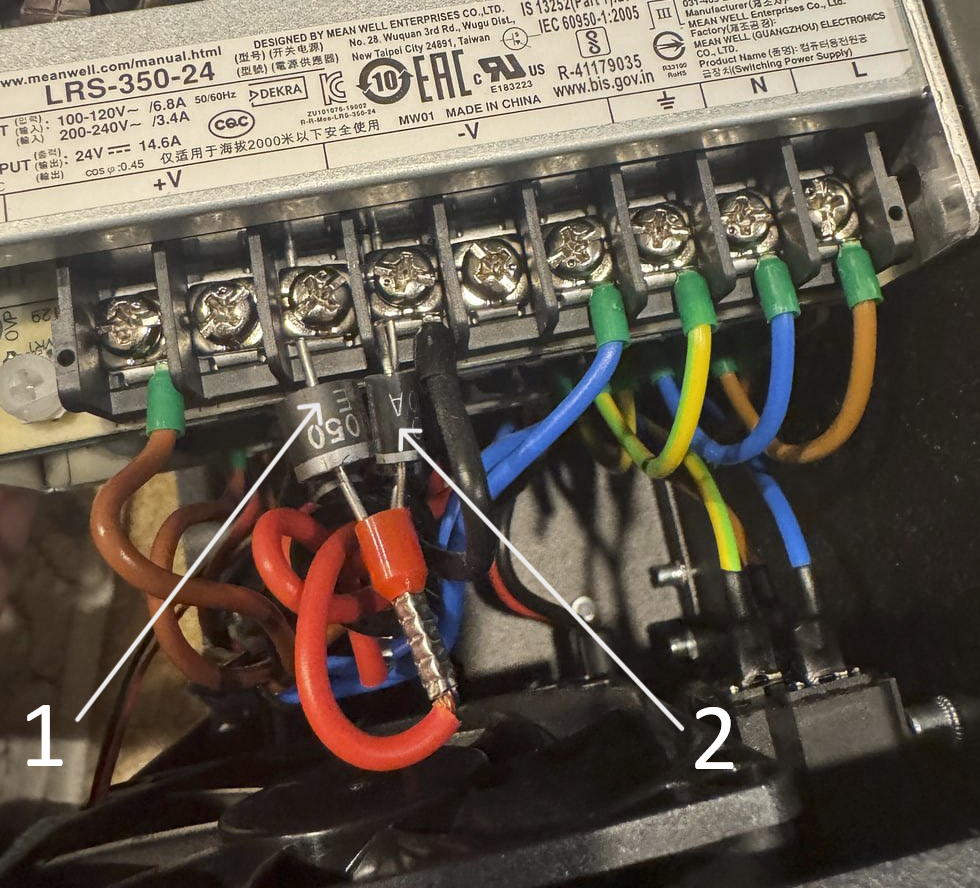
Step 2: Test the 5KP24CA Diode
Disconnect the diode marked #2 in the illustration. Reconnect power only when required to observe the green power-supply LED.
Does the green LED turn on?
- Yes: The diode is causing the issue. Replace it with a 5KP24CA diode, available from DOF Reality or an electronics supplier.
- No: Continue to Step 3.
Step 3: Test the Cytron MD13S
Turn off and disconnect the control box from power. Disconnect the Cytron MD13S wire marked #2 in the illustration. Reconnect power only when required to observe the green power-supply LED.
Does the green LED turn on?
- Yes: The issue is related to the Cytron MD13S. Replace the Cytron MD13S with a replacement purchased from DOF Reality or an electronics supplier.
- No: Replace the Mean Well LRS-350-24 power supply, available from DOF Reality or an electronics supplier.
If the LED Is Still Off
If the steps above do not resolve the problem, the most likely cause is a damaged or disconnected wire between the motherboard and the power supply.
Inspect the wiring for visible damage or loose connections. If no wiring problem is found, the motherboard must be checked. A defective motherboard can cause all power supplies to stop operating.
Take a clear photo of the motherboard while the system is powered on and send it to DOF Reality Support. Do not touch the control box, wiring, or internal components while power is connected.