








Flexible Payment Options Available
To use this option, simply select Klarna or Affirm at the "Payment" step during checkout. Please note that these options are available only in certain countries.
Shipping of H4 platform to United States is $728
Our motion platforms are heavy-duty products, shipped in:
2) 97lb (32 × 24 × 10in)
2) 44kg (80 × 60 × 25cm)
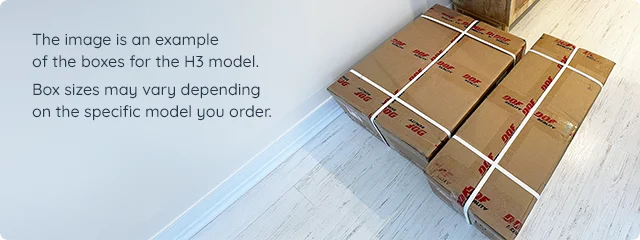
While one person can carry them, they are not small, lightweight boxes like those from Amazon. We use FedEx and DHL Express for door-to-door delivery with full tracking and insurance. The price you see is the exact carrier rate and includes no extra fees. These simulators are built from commercial-grade steel profiles and durable materials, making them strong, long-lasting, and naturally heavier to ship.
Delivery usually takes 3–4 weeks. Your satisfaction and peace of mind are important to us, so we ensure every shipment is handled with care and fully insured.
Tax
For customers outside the EU, you are responsible for any applicable VAT, import duties, taxes, or brokerage charges. Please stay informed about your local regulations. We are happy to assist with any questions regarding your order.
Shipping
We use FedEx and DHL door to door express shipping... calculate costDescription
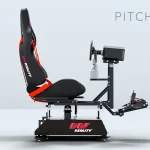
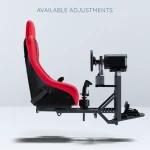
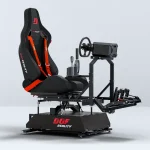
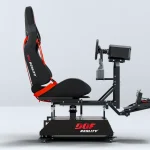
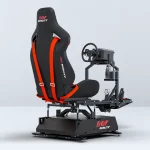
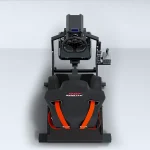
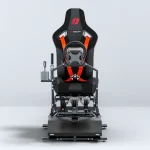
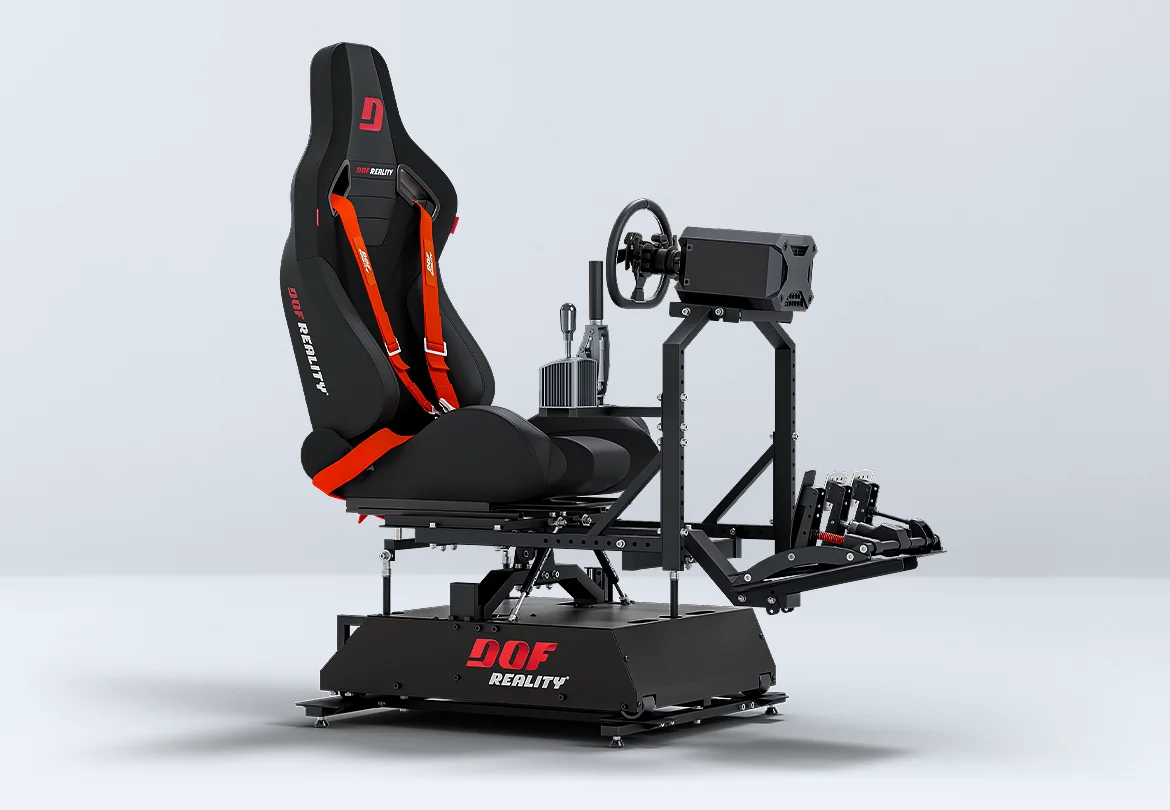
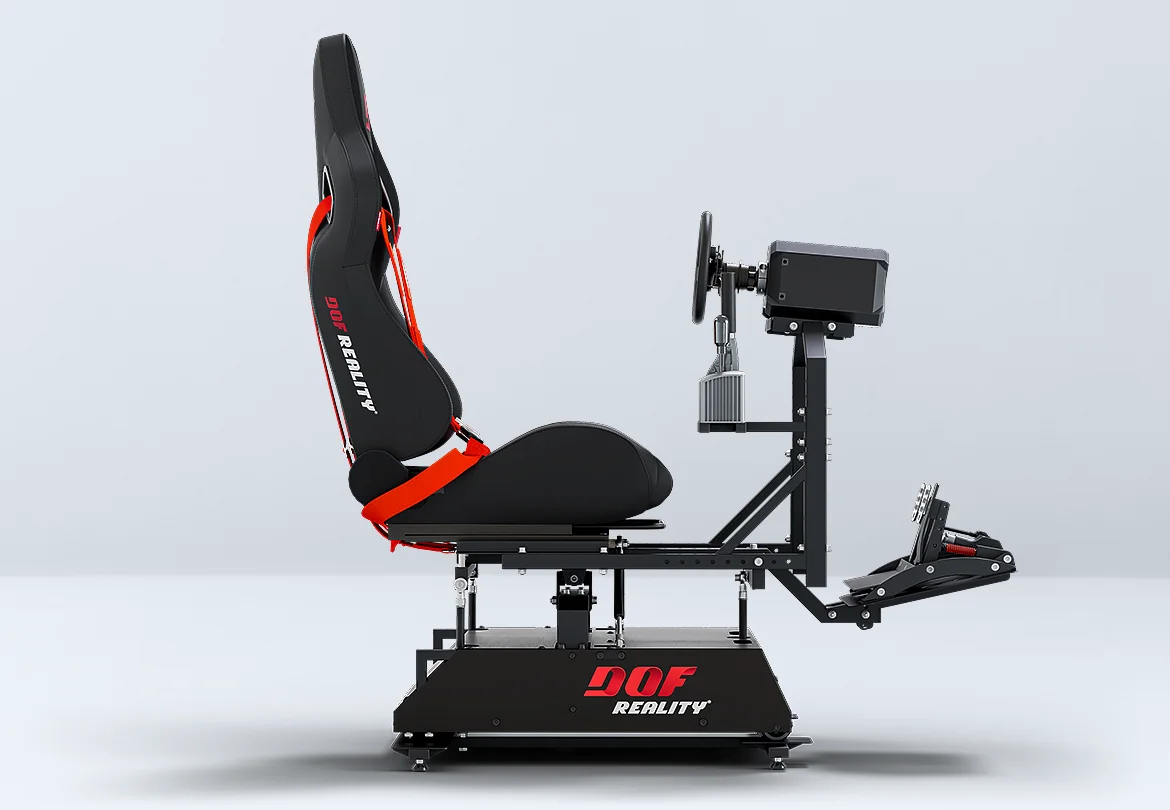
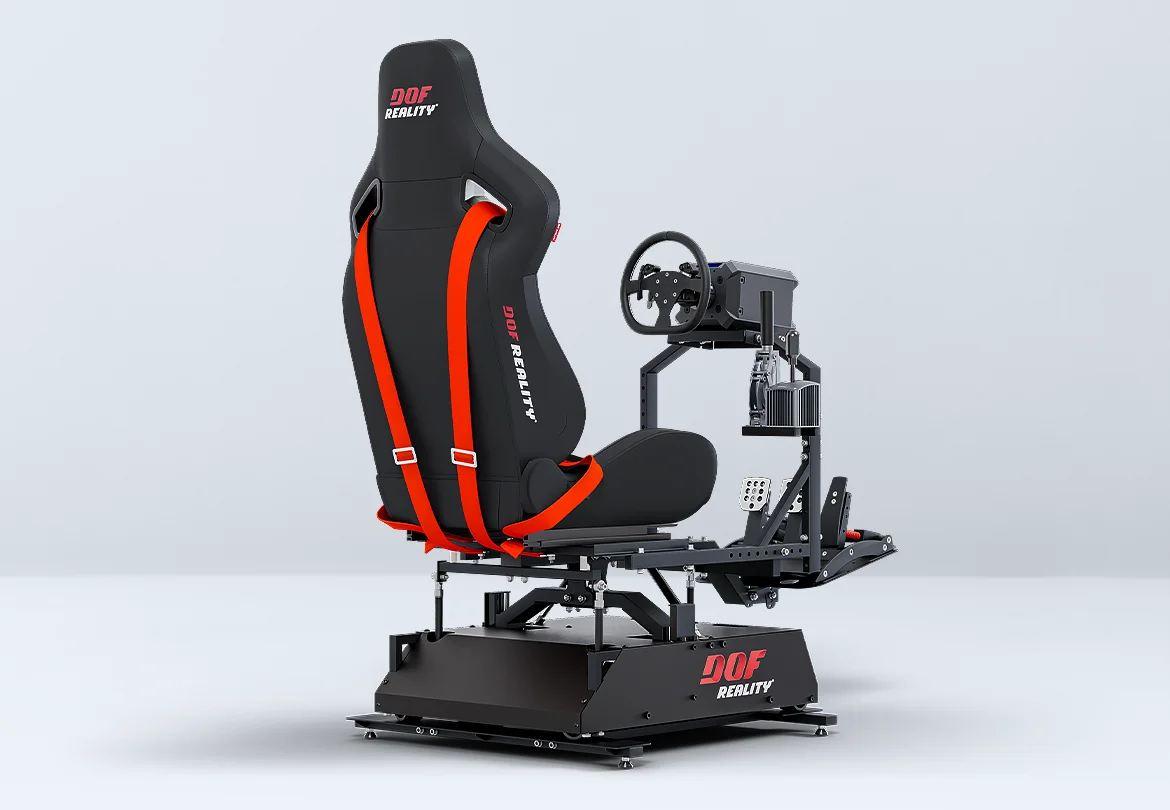
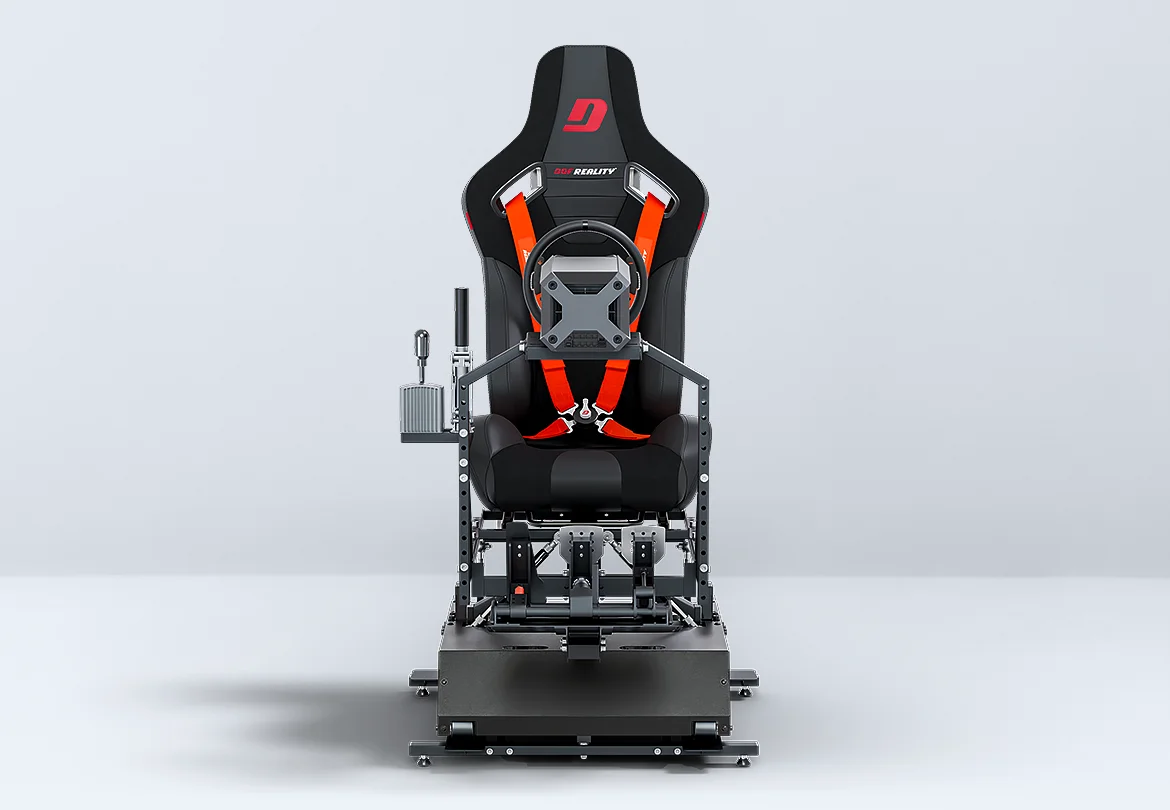
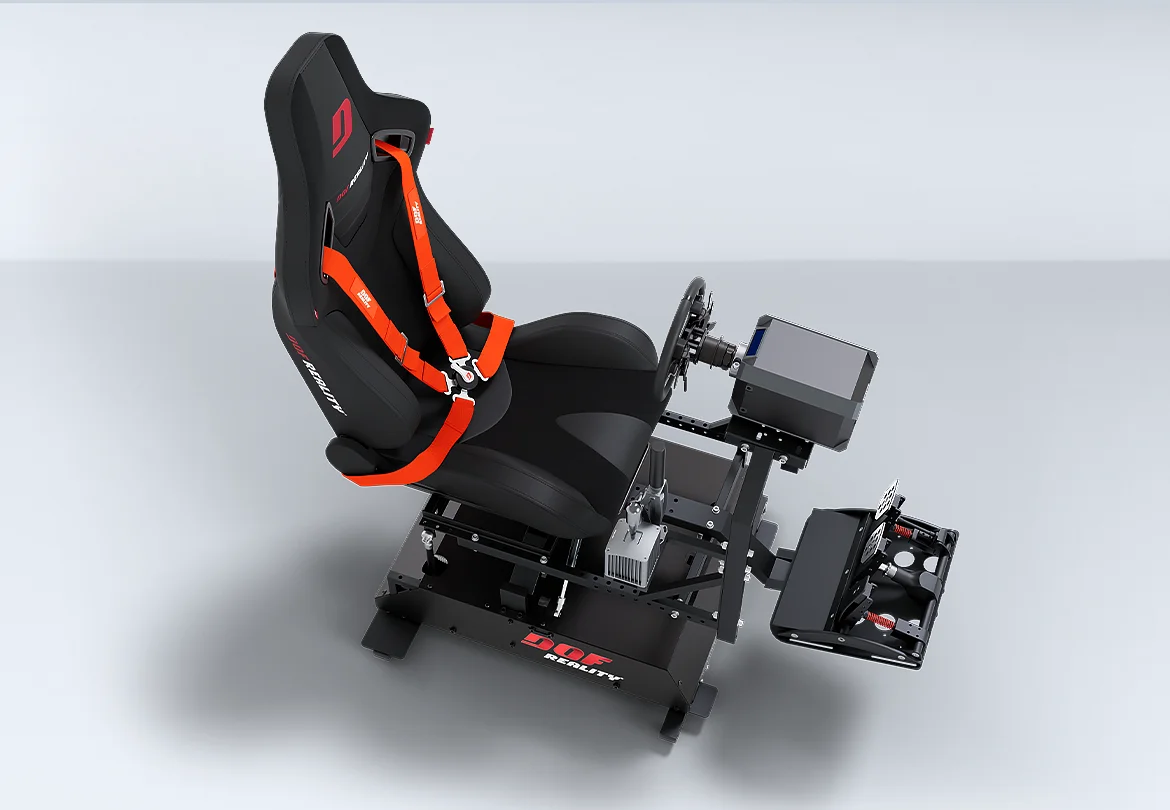
The H4 from DOF Reality is designed to deliver emotions and real physical sensations that home simulators were not able to provide before. It is the only at-home motion simulator offering true 4-axis movement, including Heave, allowing users to feel vertical G-forces, road bumps, turbulence, jumps, and changes in acceleration with high precision. read more4 Axis — Degrees of Freedom (DOF)
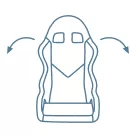
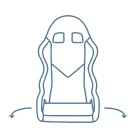
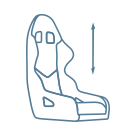
Characteristics
Compatible


H4 DOF Reality® ready to play includes:
- rigid metal rig for normal & F1 pose
- mounts for seat or sliding rails
- integrated power drive motors
- 100-240 control unit with USB
- SimRacingStudio license
- quick assembly tools
- 1 year full warranty
We sell only the plug-and-play motion platform, and customers will need to purchase their own seat, VR, and controllers (such as a wheel, pedals, and yoke). Our platform supports all of them.
We provide all necessary cables and motion software, but not the games. For more information and recommendations, please visit our FAQ page.
Our team is available to consult and help you choose the best components for your system via email or phone.
Full Description of Motion Racing Rig - 4-Axis HERO (H4)
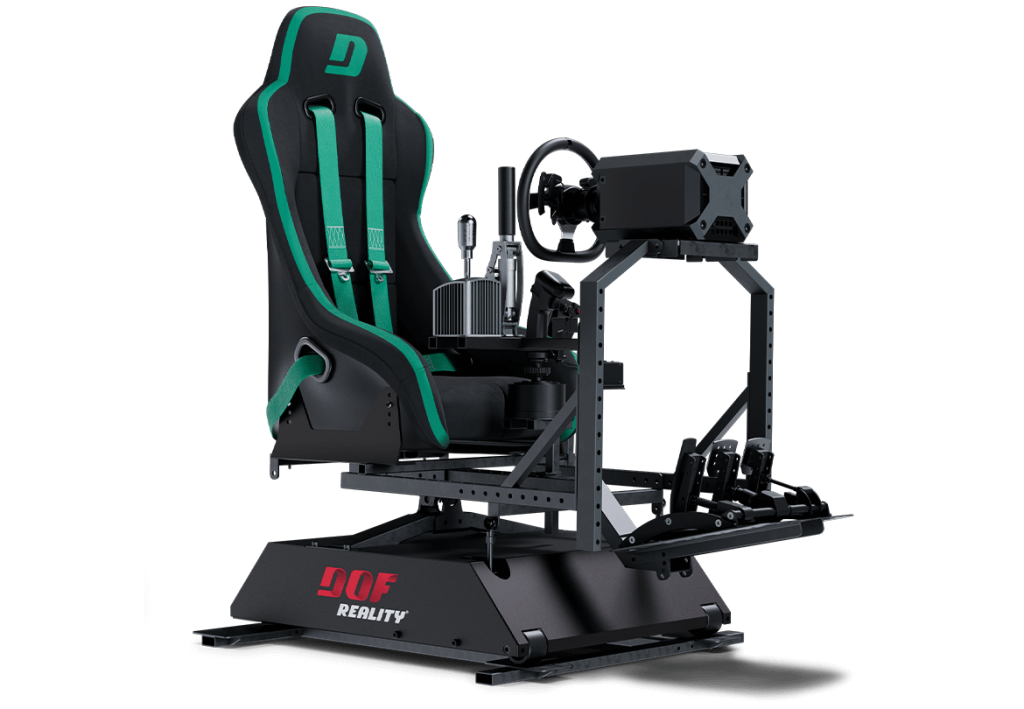
The H4 from DOF Reality is designed to deliver emotions and real physical sensations that home simulators were not able to provide before. It is the only at-home motion simulator offering true 4-axis movement, including Heave, allowing users to feel vertical G-forces, road bumps, turbulence, jumps, and changes in acceleration with high precision.
Built on DOF Reality’s experience in developing affordable motion simulators since 2014, H4 brings professional-grade motion realism into a compact and quiet platform designed for home use. The floor footprint is comparable to the DOF Reality H3 platform and measures 3 × 5.2 ft with a height of 2 ft (100 × 150 cm, 60 cm height), making it suitable for limited spaces without compromising motion performance.
The simulator is constructed from high-strength European steel for stability and long-term durability. All primary controls, including the seat, wheel, pedals, and flight controls, move together as a single unit, enabling accurate force feedback through body pressure points rather than visual effects alone. H4 integrates seamlessly with racing wheels, flight controls, and all major VR headsets.
Whether you are a sim racer, flight simulation enthusiast, or someone who wants to experience real motion at home, H4 delivers a level of physical realism that most home simulators cannot provide. This is motion you feel with your body, not something you simply observe on a screen
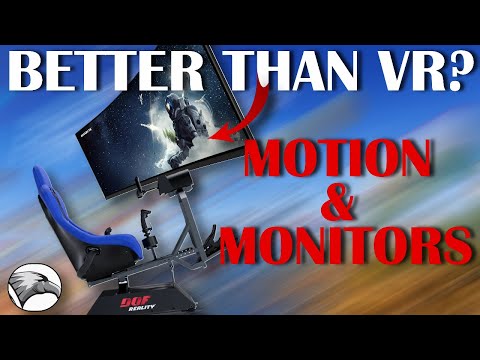
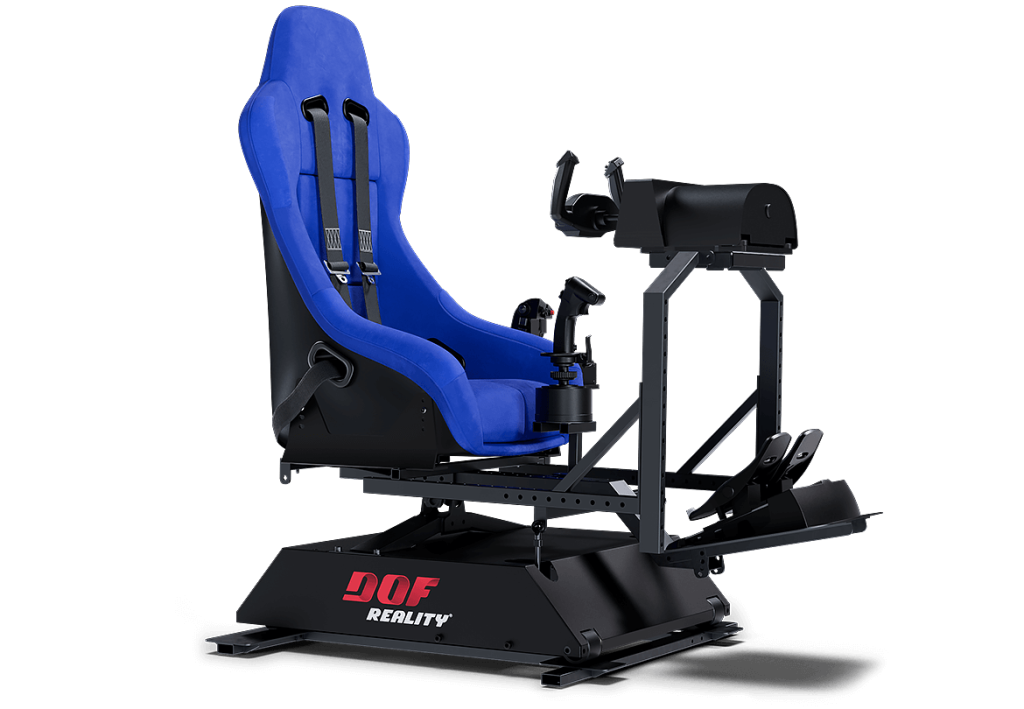
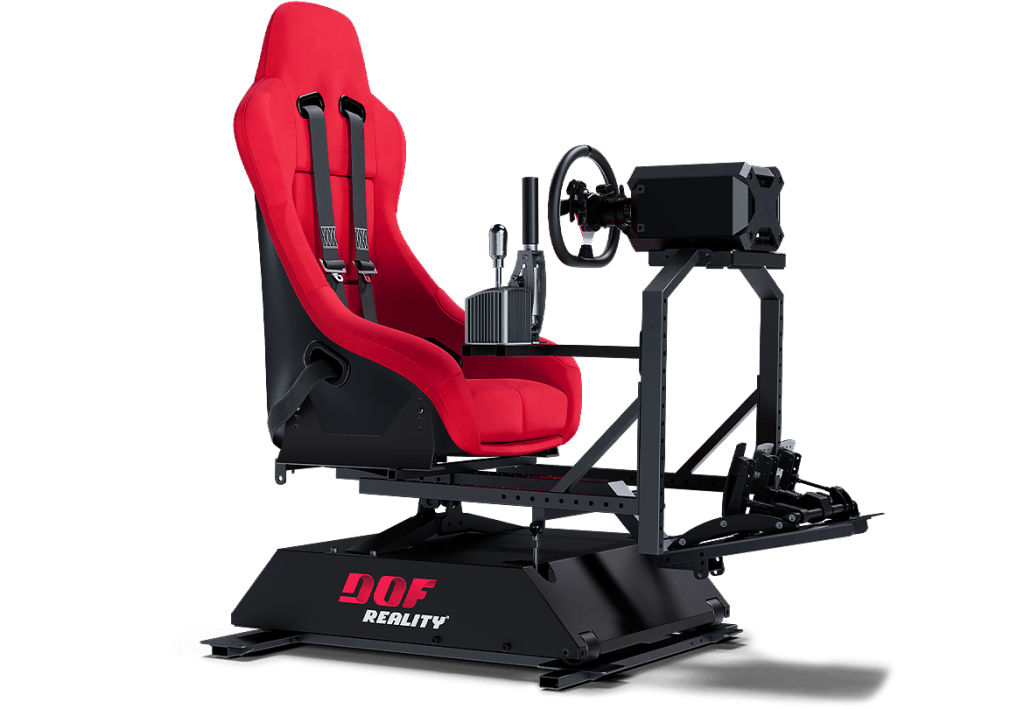




in Full Motion with H4 DOF Reality®.














DOF Reality® Products and Services.
-
What is included in the DOF Reality® platform?
DOF Reality ready-to-play packages include the following:
- Rigid metal rig designed for normal and F1 poses (except M2 models).
- Mounts for wheel, pedals, shifter (except M2 models).
- Mounts for a seat or sliding rails.
- Integrated power drive motors.
- 110/220v control unit with USB.
- SimRacingStudio license.
- Quick assembly tools.
- 1-year full warranty.
Please note, customers are required to purchase their own seat, VR headset, and controllers (wheel, pedals, etc.). Our platform supports all of them.
-
Will it work with PlayStation and Xbox?
Yes.
Consoles operate within a closed, controlled, and proprietary platform. Currently, only a select few games, such as Grand Turismo 7, Sport, PCARs, PCARs2, AC, F1, Forza Motorsport 7, and Forza Horizon 4 and 5, send motion data from consoles using UDP over the network (as demonstrated in this video).
For these games, we offer a MagicBox solution priced at $200. To enable motion in all other games, we are developing MagicWheel and MagicPedals, which will be available in two months.
For a list of supported PC and console games, including compatibility with the latest consoles, please refer to our games list.
-
What seat should I use with your platform?
Seat choice is a matter of personal preference. Almost any bottom-mount car or gaming seat works. We don’t sell seats; you can use your preferred seat or find affordable options locally. We recommend a Bucket Racing Seat to prevent falling during G-forces, and a four-six point harness is optional. A lighter seat enhances platform performance. For options, check eBay (Option 1, Option 2, Option 3), Amazon, or JEGS.
Real certified racing seats can be quite expensive, Ask for seat that is NOT certified for racing – they work the same way and are way cheaper than certified ones. In local classifieds, check for single racing seat. Finally, check the local racing community, they will be happy to help.
The best will be to use standard bottom mount car seat with sliders/rails (as in real car). It provides you the opportunity for quick adjustments as well.
Most of the bucket seats require side to bottom mounted brackets adapters and sliders.
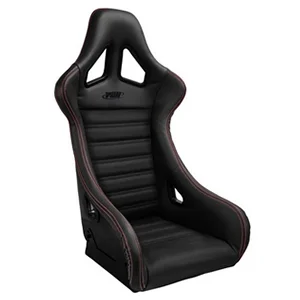
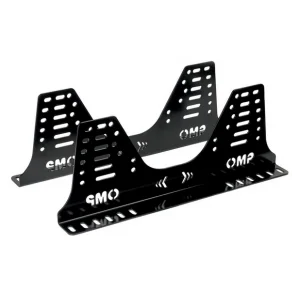
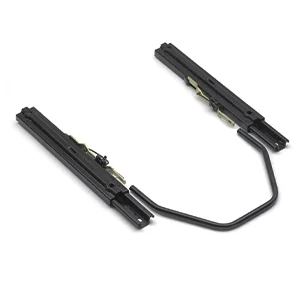
Our seat mounts: 280mm deep (front to back) and 345mm (13″37/64), 375mm (14″49/64) or 405mm (15″15/16) wide.
-
Does it come assembled?
Platform weight 130 – 220 lbs (60-100kg).
In order to deliver it to your door and ease of transportation all platforms are shipped in two boxes.
Our platforms require assembly. It will make your platform more valuable as well as custom-tailored build for your preferences.It is a simple process that you will enjoy!
-
How motion cancellation / compensation works with your platforms?
The DOF motion platform can be used with any VR headset. There are some subtleties to be considered when combining VR with a motion platform. The motion platform will move the player’s head, which will move the VR headset, which will automatically affect the amount of movement you see in the VR image. Most of the time, the degree of motion is not enough to impact gameplay and can be ignored like in this example video https://youtu.be/oi8yvWzZXVw. If the additional motion of the VR image is too extreme, you might need to turn down the motion of the platform to a lower setting. This will minimize the “hopping/swimming” type of effects in the image and will give you a smoother experience with VR.
Software Solution for Motion Compensation
If the amount of movement in the VR image is too much and you do not want to turn down the motion, you can utilize motion compensation software which removes the platform movement from the VR image. OpenVR Motion Compensation is the current software to be utilized for motion compensation which can be downloaded here: https://ovrmc.dschadu.de/. OpenVR Motion Compensation will track the movement of a tracker mounted on the platform and remove the motion of the platform from the movement of the VR headset. OpenVR Motion Compensation can work with both types of VR headsets (base stations and inside-out tracking).
- OpenVR Motion Compensation Tutorial Video: https://www.youtube.com/watch?v=1MqGO46xdtI&t
- OpenVR Motion Compensation Install and Setup: https://ovrmc.dschadu.de/en/setup
There are primarily two types of VR headsets and they require the tracker to be mounted differently. Ones that utilize base stations (outside-in) for tracking of the VR headset movements such as the Valve Index, HTC Vive Cosmos, Pimax 5k/8k* and the original Oculus Rift (CV1). The other type utilizes cameras in the headsets that provide inside-out tracking which include the HP Reverb/G2, Oculus Quest/Quest 2/Rift S**, Samsung HMD Odyssey+ and other Windows Mix Reality (WMR) type headsets.
For VR headsets that utilize base stations, a tracker or controller (Valve Index Controller, HTC Vive Controller, HTC Vive Tracker) must be mounted on the motion platform and be in-line of sight by all the base stations. It does not matter where the tracker is mounted as long as its visible to all the base stations, though typically they are mounted near the head at the top of the chair.
For VR headsets that utilize inside-out tracking via the cameras on the headset, a controller (Oculus Touch Controller or WMR Controller) must be mounted on the front of the motion platform so it is in-line of sight of the cameras on the headset.
In either case, the tracker must be 1) firmly mounted to the platform and 2) must utilize some type of vibration mitigation. Vibration mitigation can be achieved by 1) adding additional mass/weight to the mount so it absorbs vibration energy and 2) using a vibration absorption material like soft rubber or Sorbothane.
Another potential software solution is the older version of motion cancellation called OpenVR Input Emulator. Though it is no longer being developed, there is still limited support from the community via its download page here: https://github.com/matzman666/OpenVR-InputEmulator/releases.
- HTC Vive/Vive Pro: https://dofreality.com/HTCMotionCancellation.pdf
- Oculus Rift setup: https://dofreality.com/OpenVR.pdf
* For Pimax users, the PiTool can potentially be utilized for VR Motion Compensation: https://www.pimax.com/pages/pitool. In PiTool, turn on a Valve Index controller, select it as the sensor in PiTool “Motion Cancellation’ and open the game. However, support is not guaranteed and may not work properly.
** The Oculus driver for SteamVR is made by Valve and not by Oculus as they only support their own closed eco-system. This causes issues with 1) big motions on Oculus devices might see a black border on the edge of your view and 2) rotation is not always compensated correctly.
Hardware/Non-Software Based Solutions for Motion Compensation
- For VR headsets with inside-out tracking, consider covering one of the cameras with tape. It will prevent the headset movements from being tracked in the environment and provide some VR motion compensation without significant side effects and the need to use motion compensation software: https://www.youtube.com/watch?v=ksy7AxjbcD0
- For the Oculus Rift, attach the sensor the platform using the DOF Oculus mount and cover the cameras on the VR headset. This disables the 3D tracking, which prevents the camera from jumping around in the game. However, this method also disables the rotation tracking, so if the motion platform turns on its yaw axis, you will have to turn your head to look forward in game. It’s suggested to limit the Yaw movement in your motion platform software in order to make the rotation just enough for you to feel but you will not have to turn your head to look forward in the game. This of course is not ideal, but doesn’t require motion compensation software.
- For original Oculus Rift (CV1) users, the Oculus Rift sensor could be mounted directly to your DOF Reality platform to provide simulated motion compensation without the need to use motion compensation software; however, due to recent Oculus update this solution may or may not work. DOF Reality includes a mount for the Oculus Rift sensor in your DOF hardware shipment which should be placed at the front of the platform looking back at the VR headset. Mount the bracket to the two holes at the back of the wheel deck plate so it extends up and out to the front of the platform.
Additional VR Motion Compensation Resources
- OpenVR Motion Compensation Tested Devices: https://ovrmc.dschadu.de/en/testeddevices
- XSimulator Motion Compensation Thread: https://www.xsimulator.net/community/threads/openvr-motioncompensation.14576/
- XSimulator Motion Cancellation Thread: https://www.xsimulator.net/community/threads/vr-motion-cancellation-time-to-test.10241/
- HTC Vive Tracker Mount Example: https://www.youtube.com/watch?v=BPmo5kmk5CY
-
What will I get if I order?
We are selling the complete platform. Each individual system is assembled, tested, and tuned. They’re disassembled before shipping, so all you need to do is put it together, install provided motion software on your PC, and connect our controller via USB! All parts and tools needed for quick assembly of the platform are included.

and Still Undecided?
We understand that you may have some questions or concerns.
Check out our more affordable models.
We’ve got you covered with our FAQs
and Manuals.
Send us a message and we’ll be quick to respond.
With our platform, you’ll immerse yourself in unbelievable sensations that you won’t find anywhere else. Don’t wait any longer, buy now and experience the future of simulation!
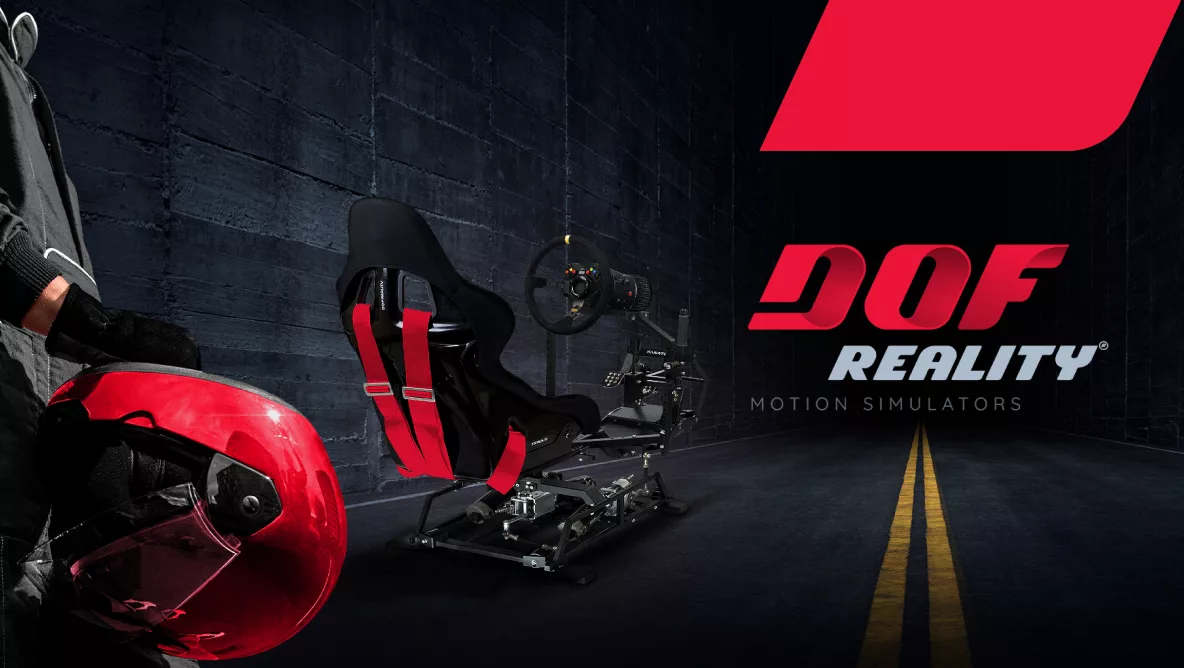
H4 Motion Racing Simulator Platform
The H4 from DOF Reality is designed to deliver emotions and real physical sensations that home simulators were not able to provide before. It is the only at-home motion simulator offering true 4-axis movement, including Heave, allowing users to feel vertical G-forces, road bumps, turbulence, jumps, and changes in acceleration with high precision.
Built on DOF Reality’s experience in developing affordable motion simulators since 2014, H4 brings professional-grade motion realism into a compact and quiet platform designed for home use. The floor footprint is comparable to the DOF Reality H3 platform and measures 3 × 5.2 ft with a height of 2 ft (100 × 150 cm, 60 cm height), making it suitable for limited spaces without compromising motion performance.
The simulator is constructed from high-strength European steel for stability and long-term durability. All primary controls, including the seat, wheel, pedals, and flight controls, move together as a single unit, enabling accurate force feedback through body pressure points rather than visual effects alone. H4 integrates seamlessly with racing wheels, flight controls, and all major VR headsets.
Whether you are a sim racer, flight simulation enthusiast, or someone who wants to experience real motion at home, H4 delivers a level of physical realism that most home simulators cannot provide. This is motion you feel with your body, not something you simply observe on a screen
H4 Motion Racing Rig Characteristics
2) 97lb (32 × 24 × 10in)
2) 44kg (80 × 60 × 25cm)
4 Axis — Degrees of Freedom (DOF)
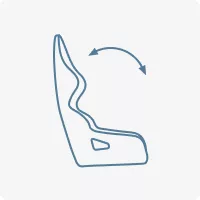
Acceleration/Braking
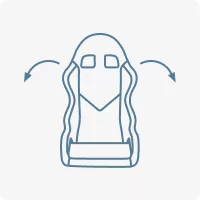
turns
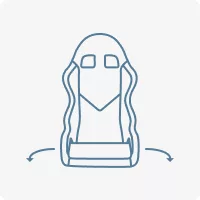
rear traction loss/drifting
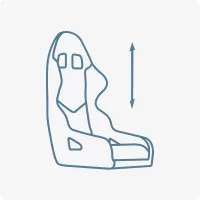
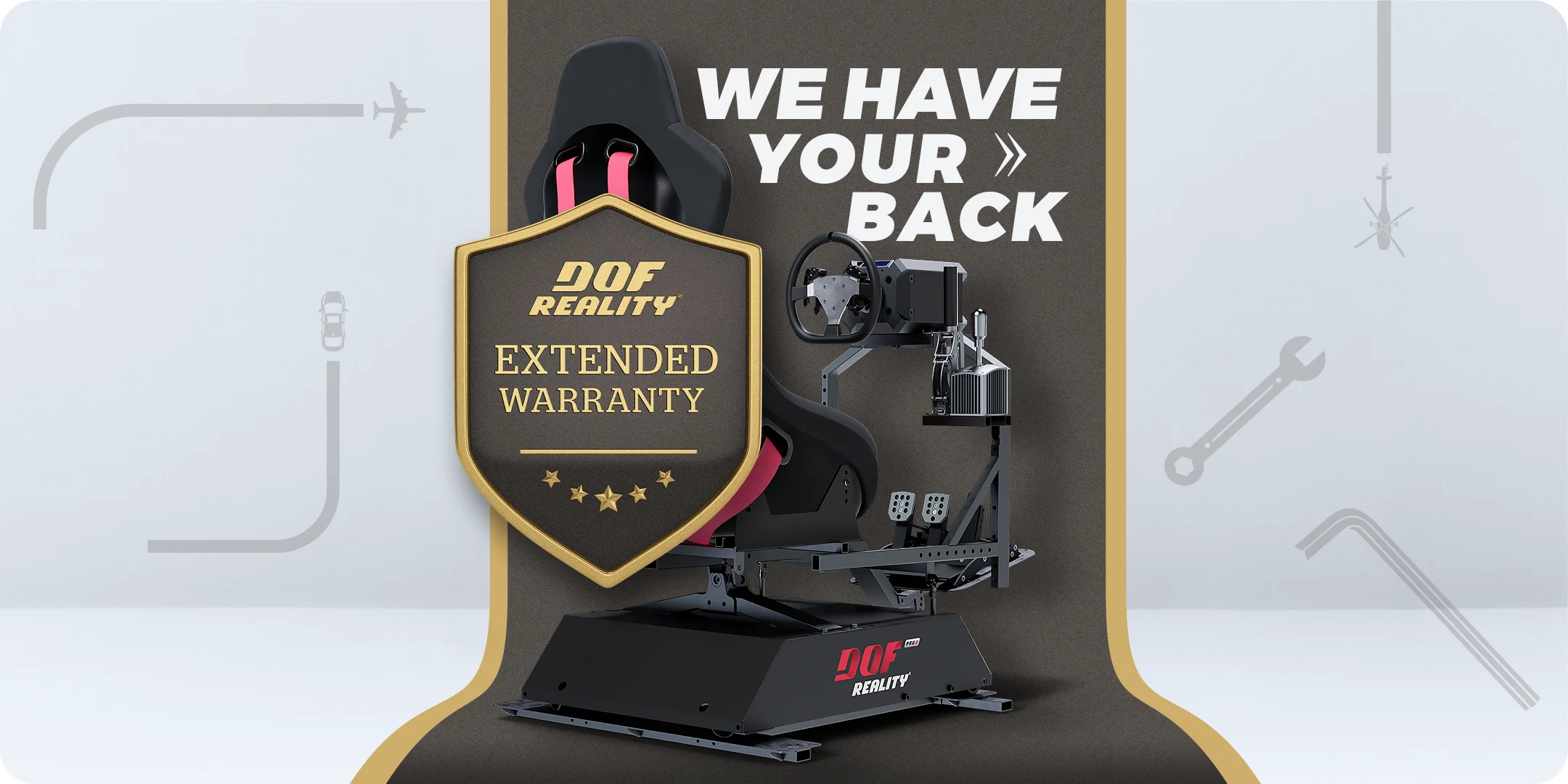

Extended Product Warranty +1 year
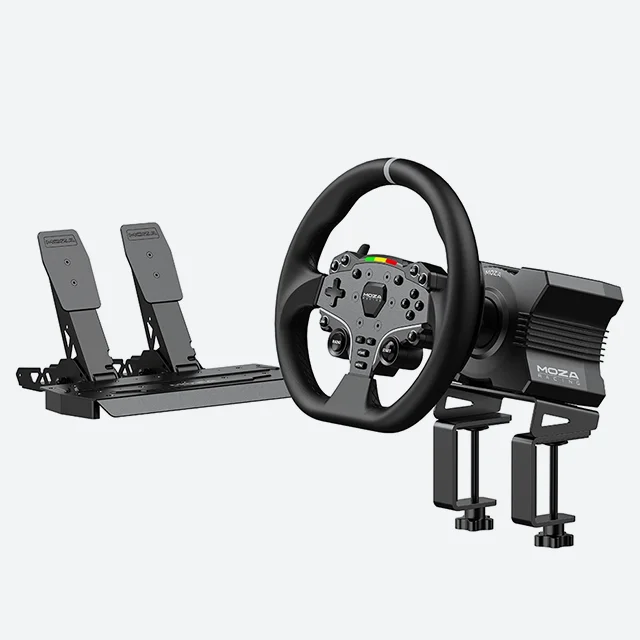
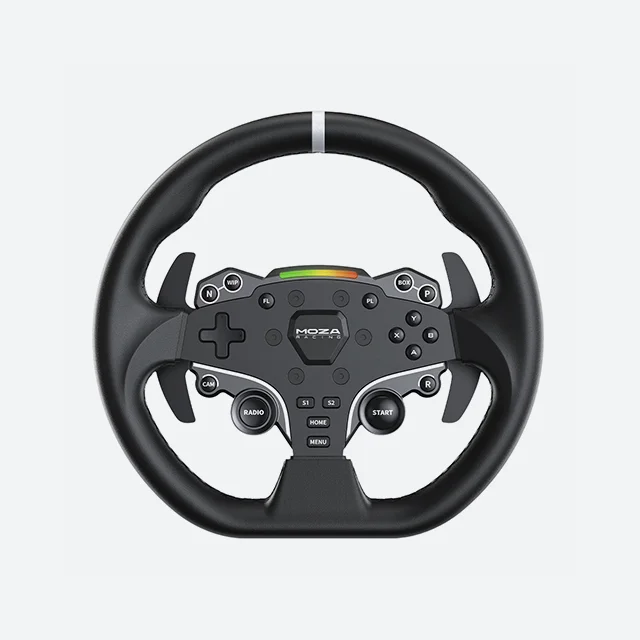
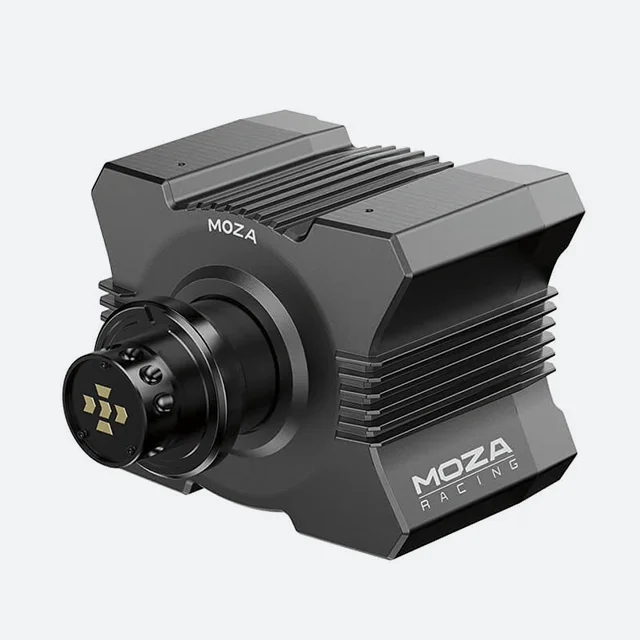
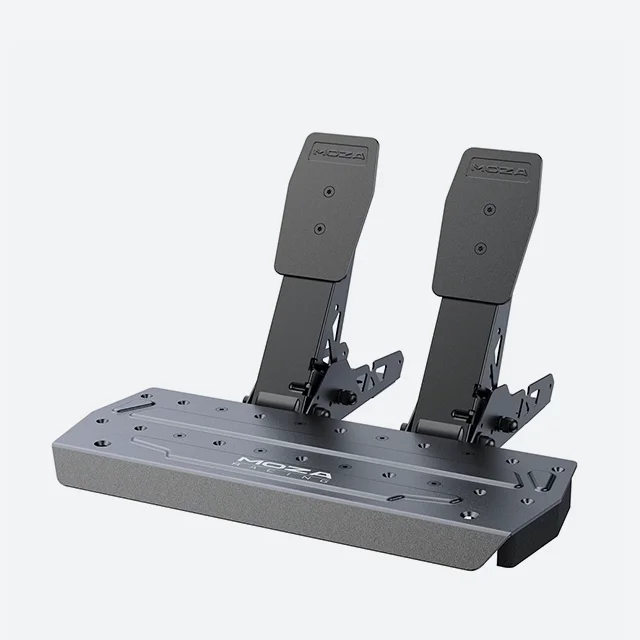
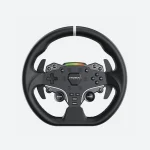
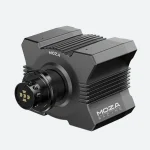
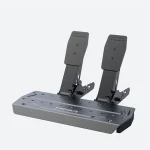
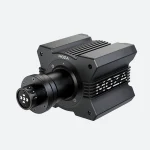
MOZA R5 Direct Drive + SR-P Lite Pedals Bundle
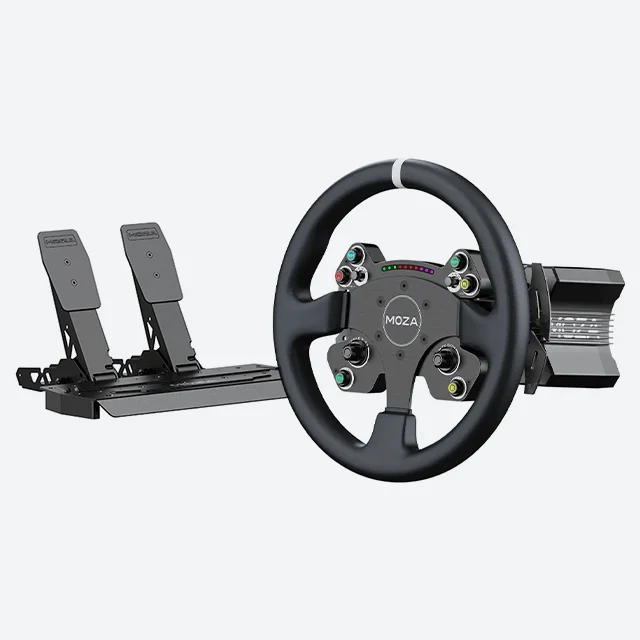
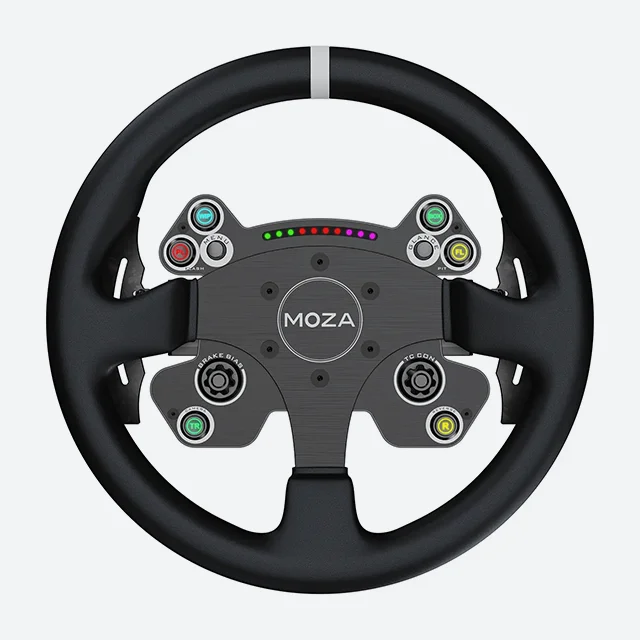
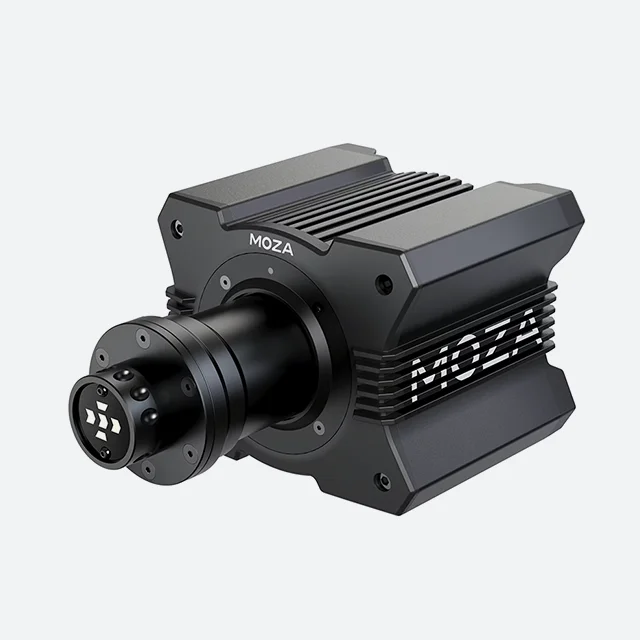
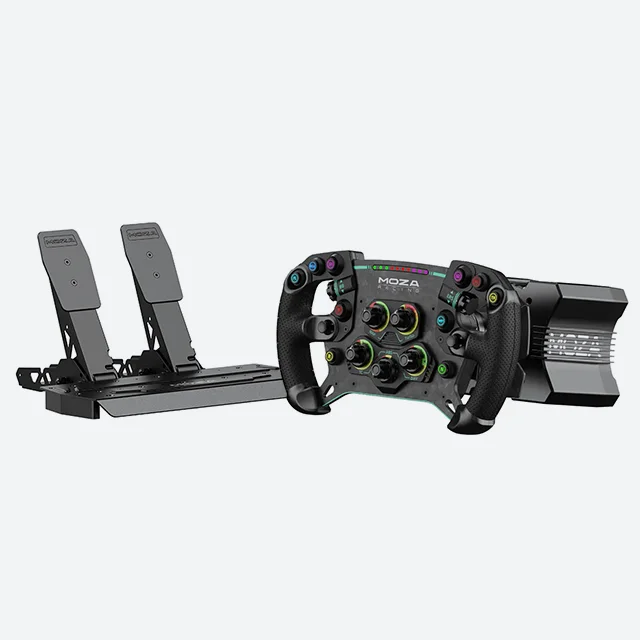
MOZA R9 CS Direct Drive + SR-P Lite Pedals Bundle
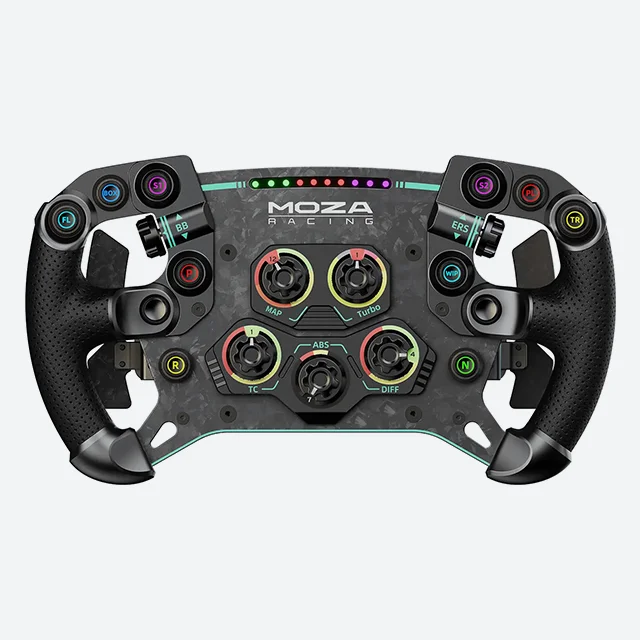
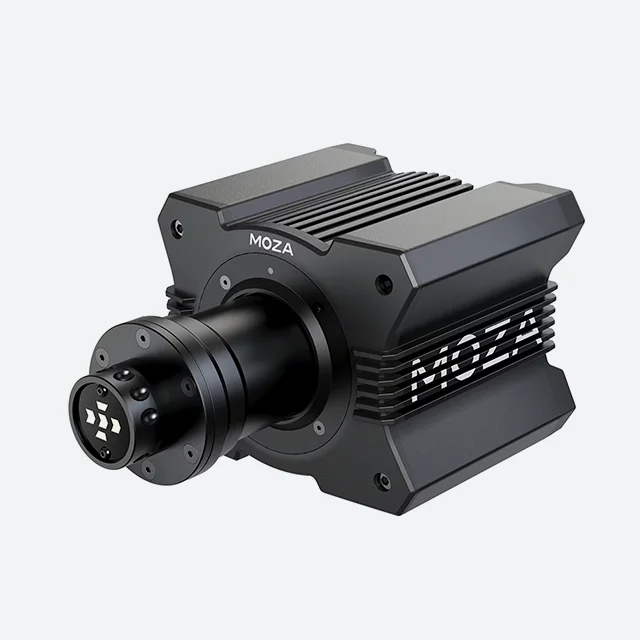
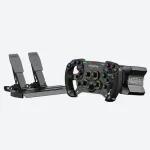
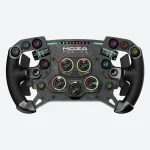
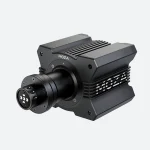
MOZA GS Direct Drive + SR-P Lite Pedals Bundle
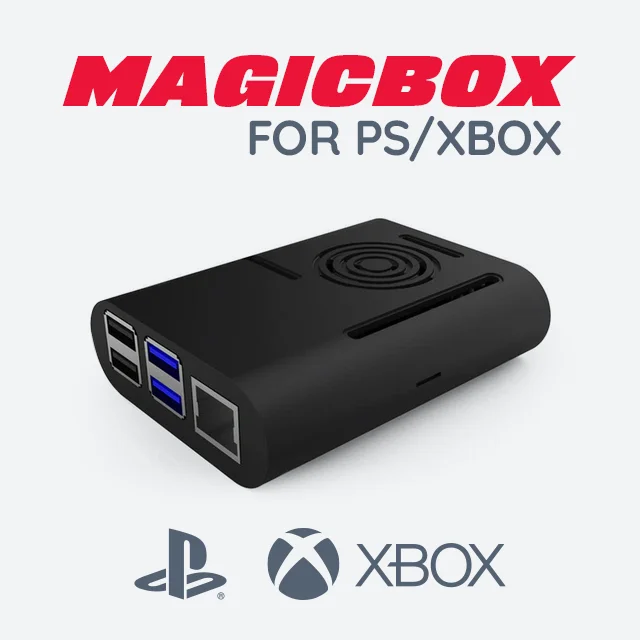
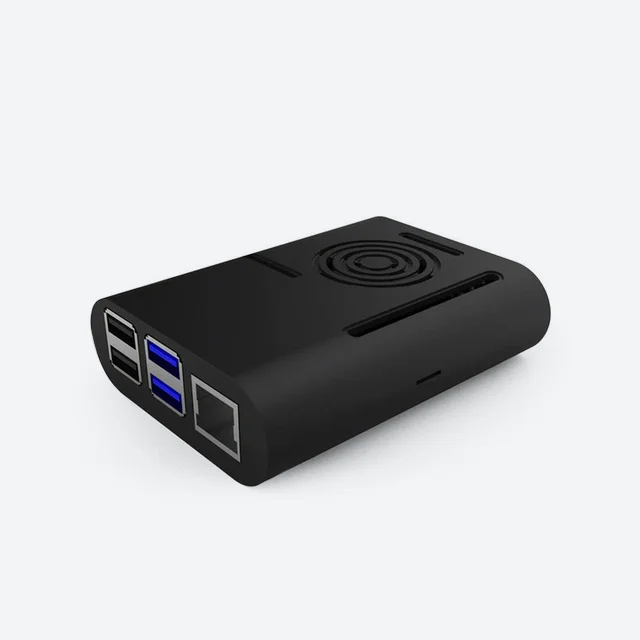

For more information,
refer to the MagicBox setup guide.
Console Link for PS/XBOX motion
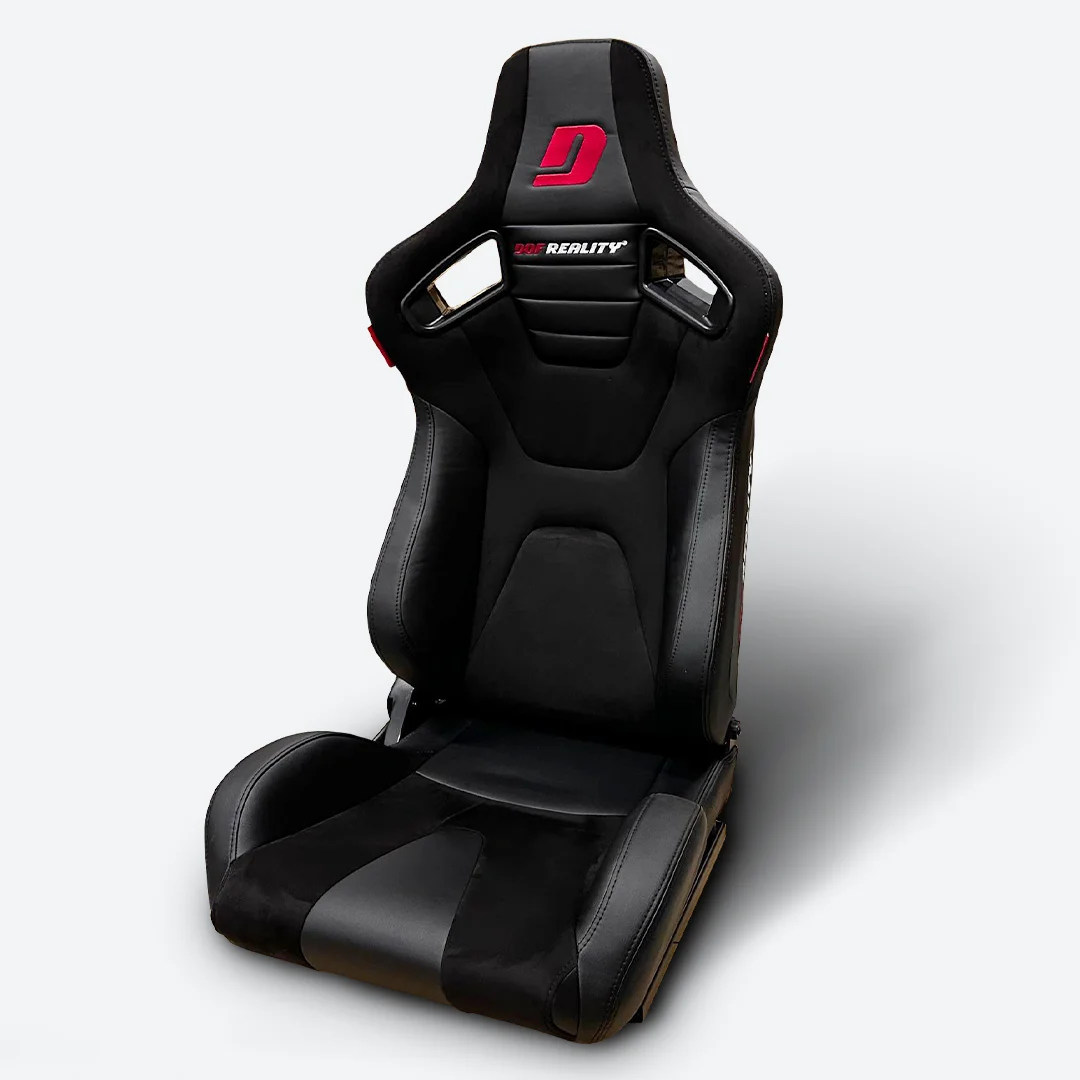
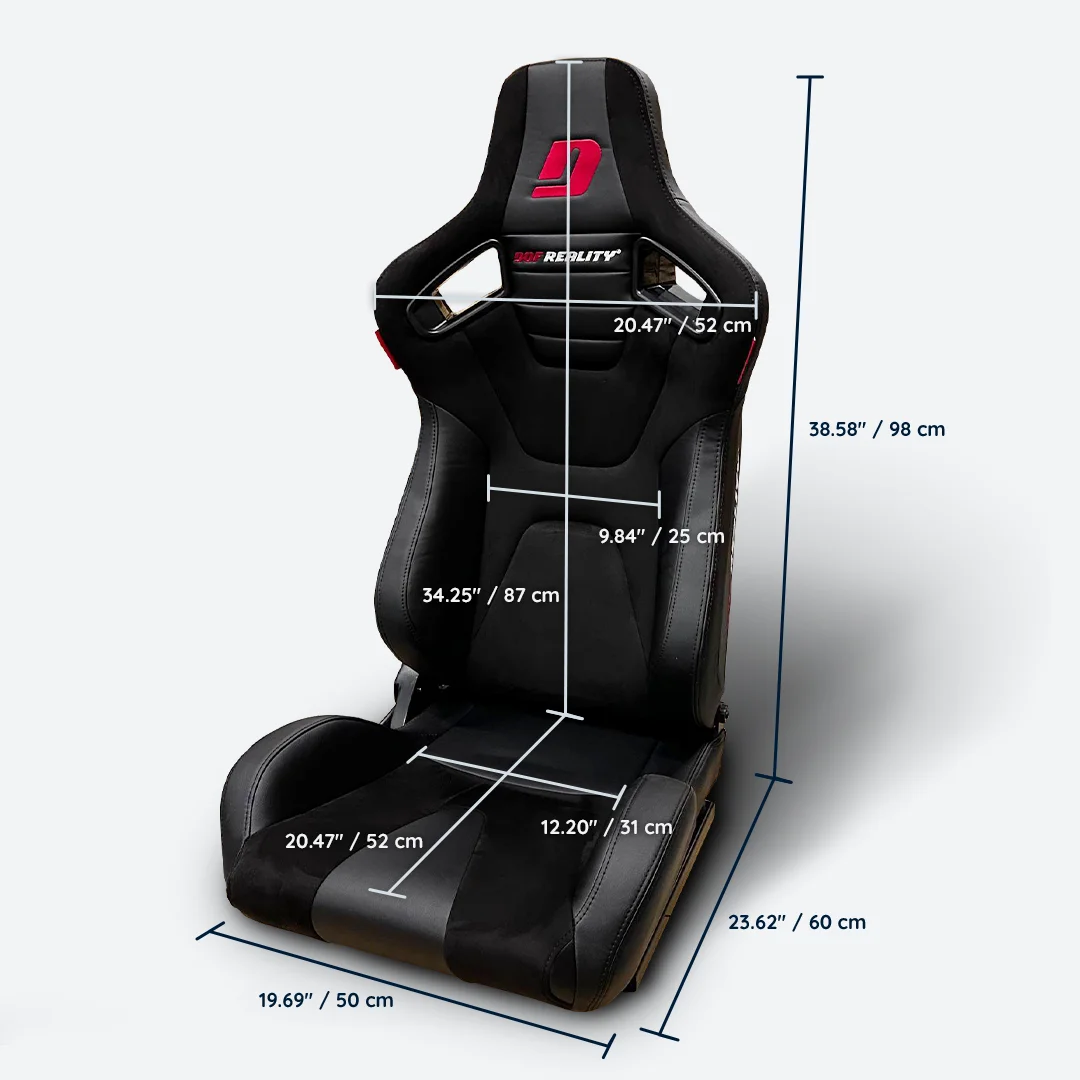
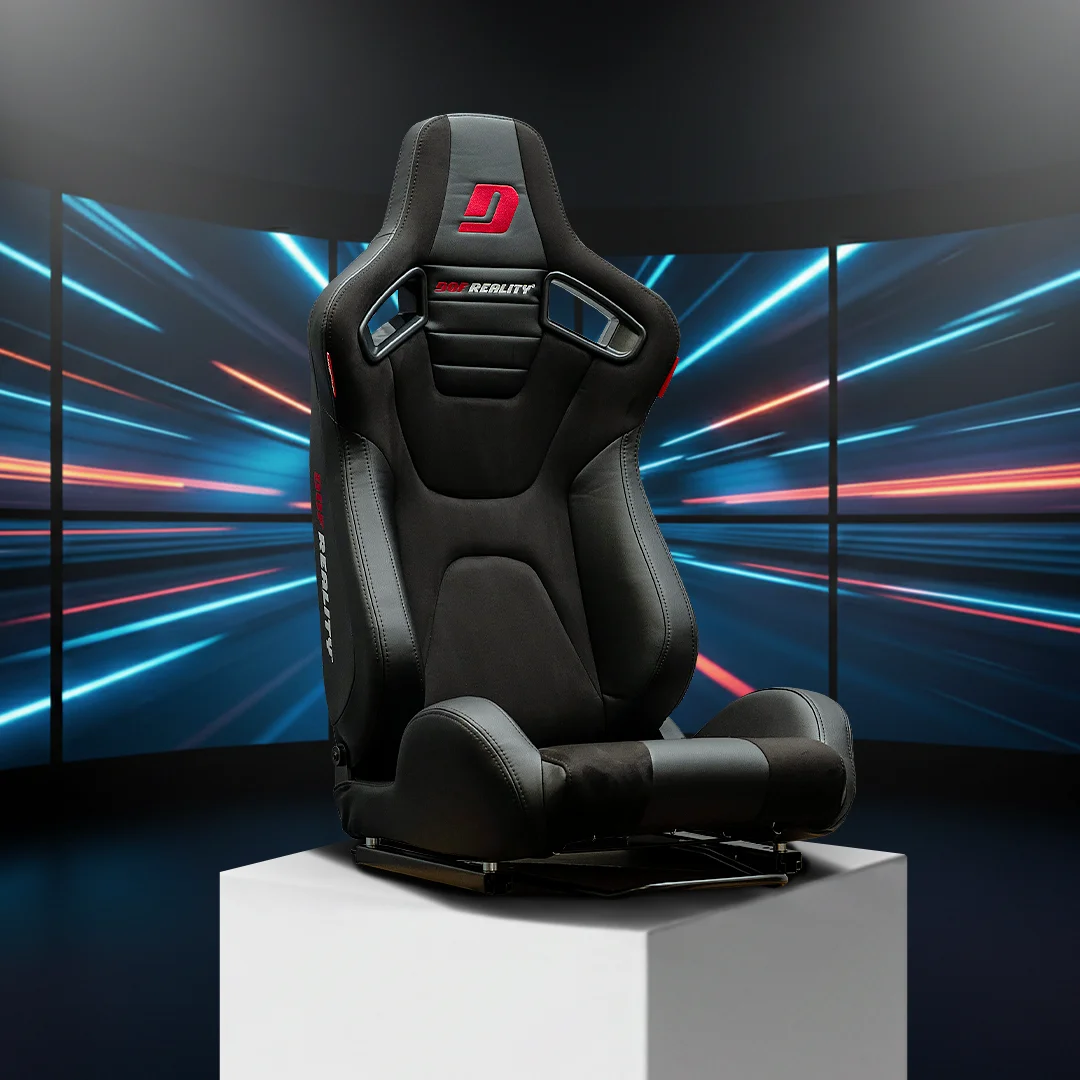
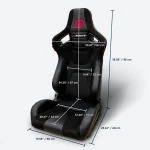
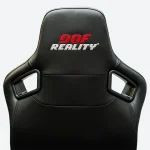
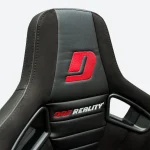
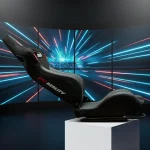
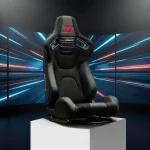
DOF Reality Simulator Seat
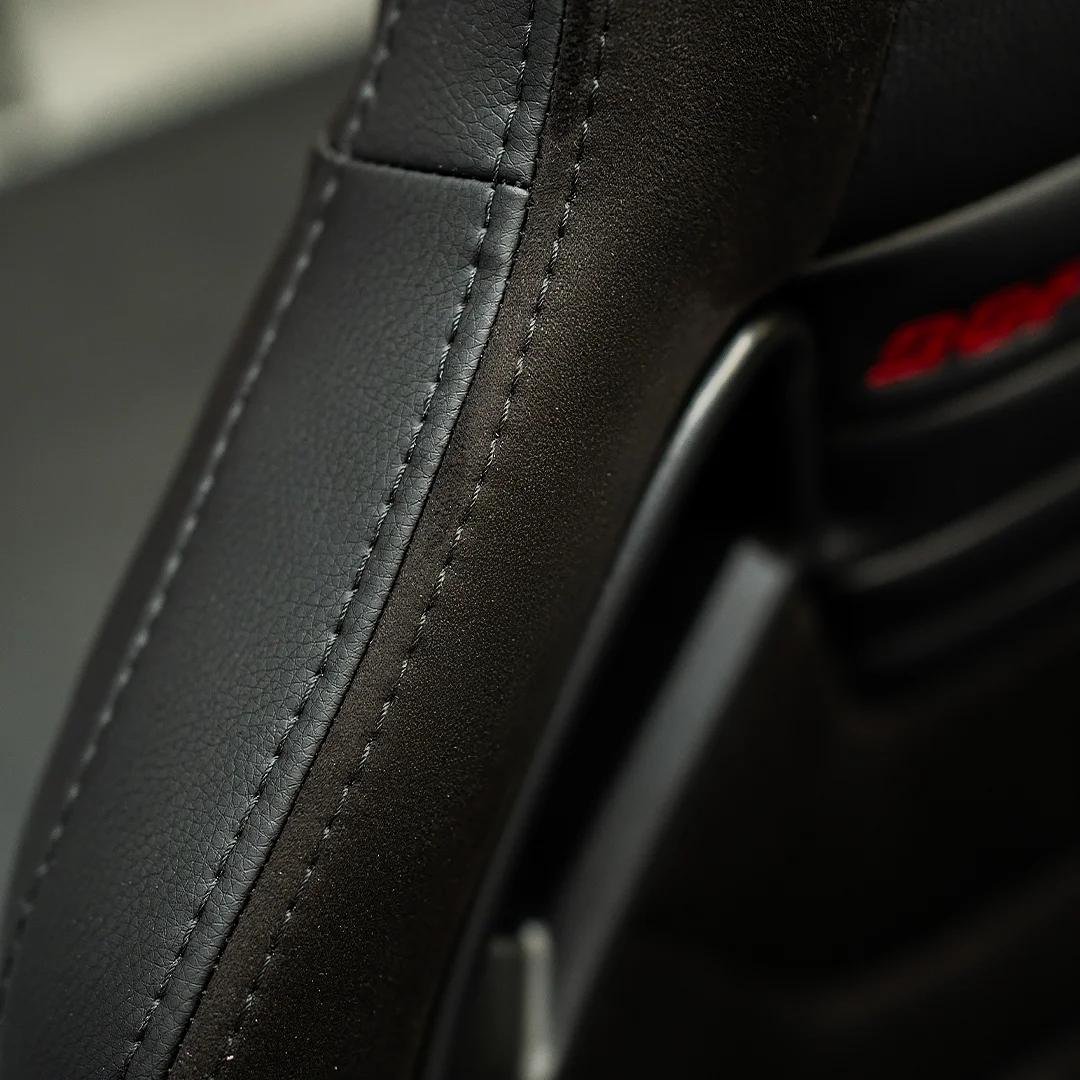
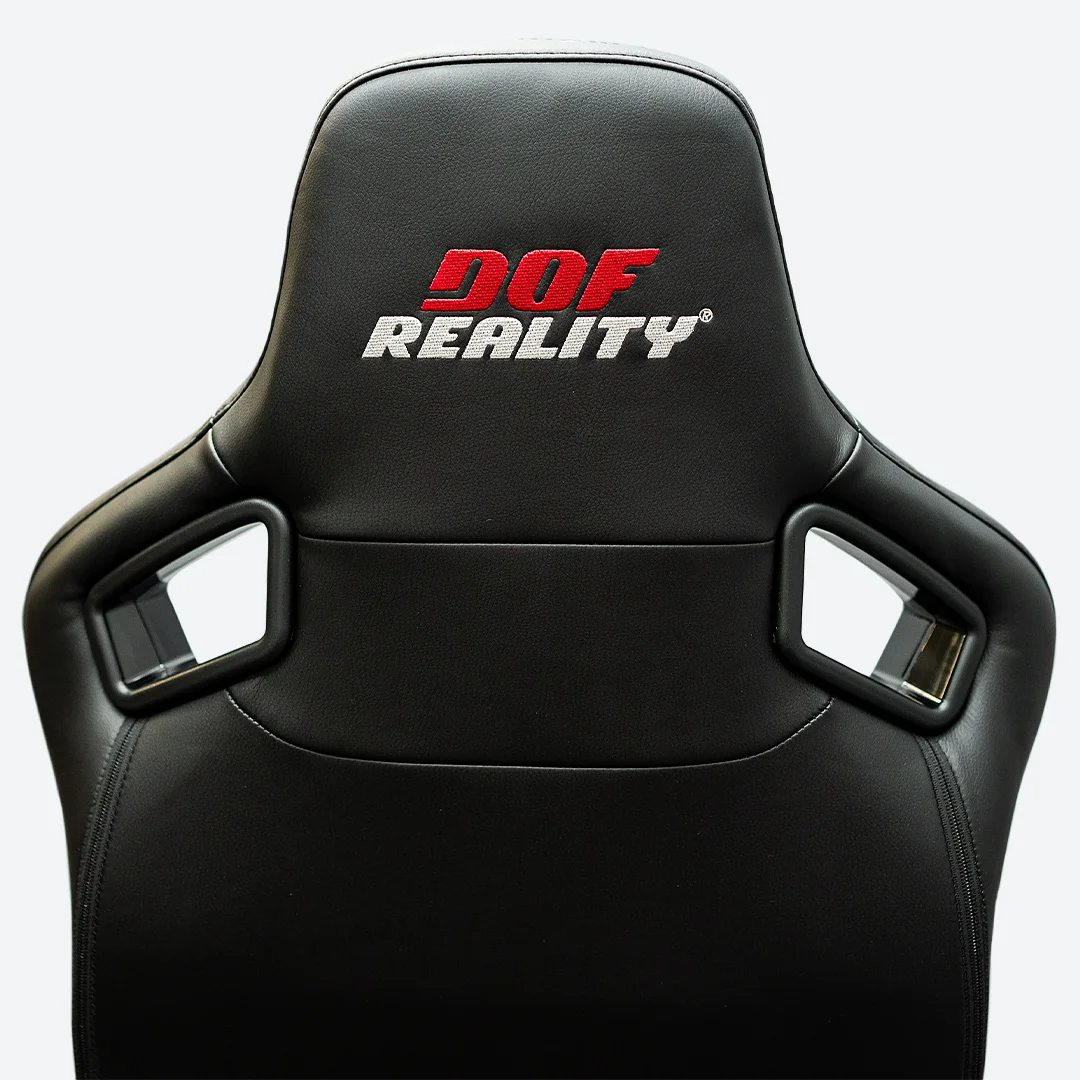
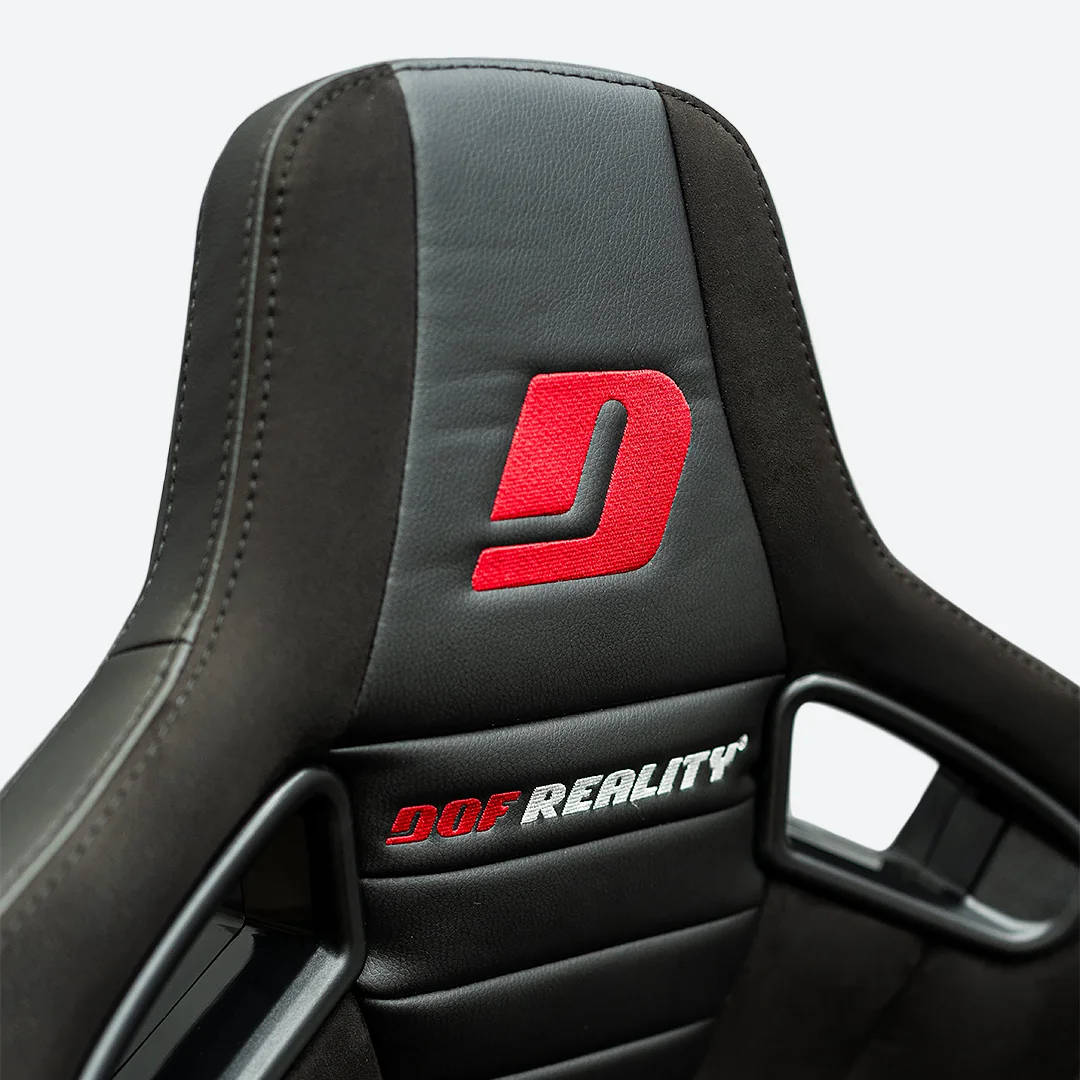
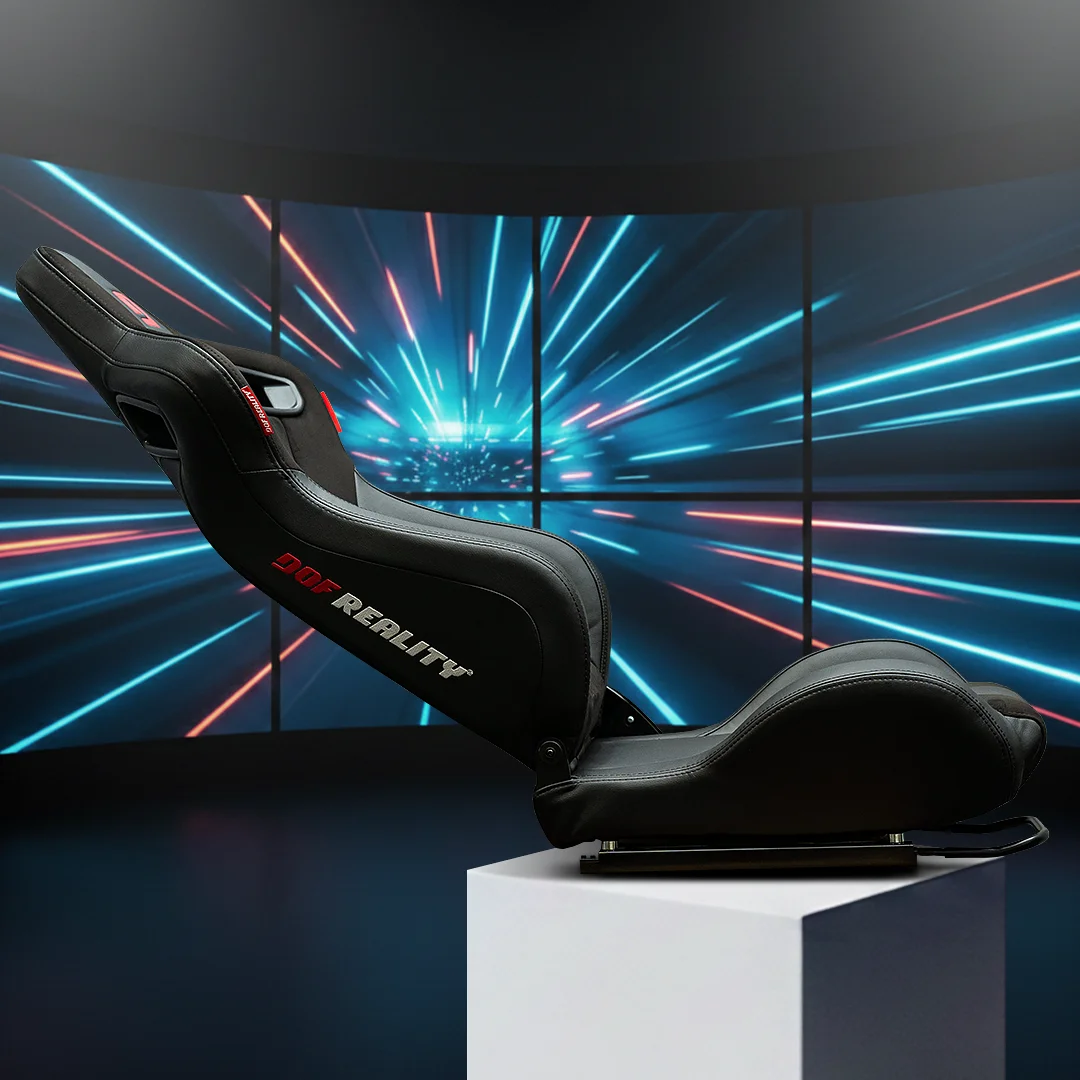
Foldable and reclining, the backrest allows easy adjustment of your seating position. High-density padding supports long sessions, while the durable black upholstery with red DOF Reality branding gives the seat a clean, professional simulator look.
Built to handle continuous motion and extended use, this seat is a perfect match for DOF Reality platforms. The seat comes with sliders and all hardware needed.
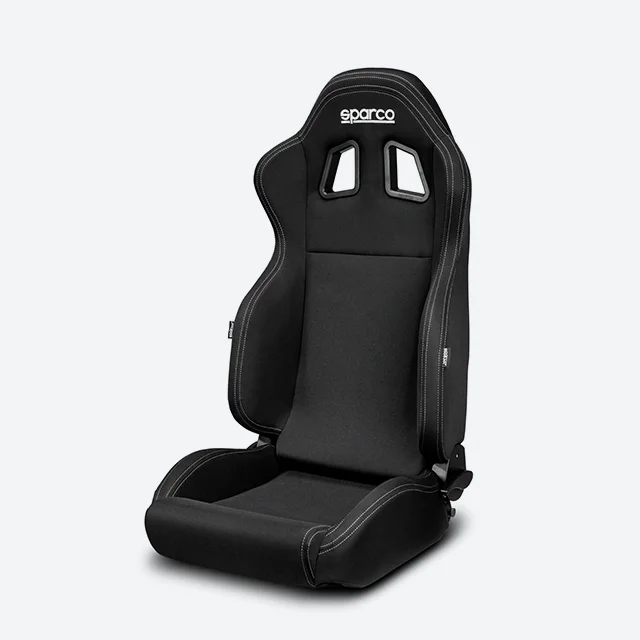
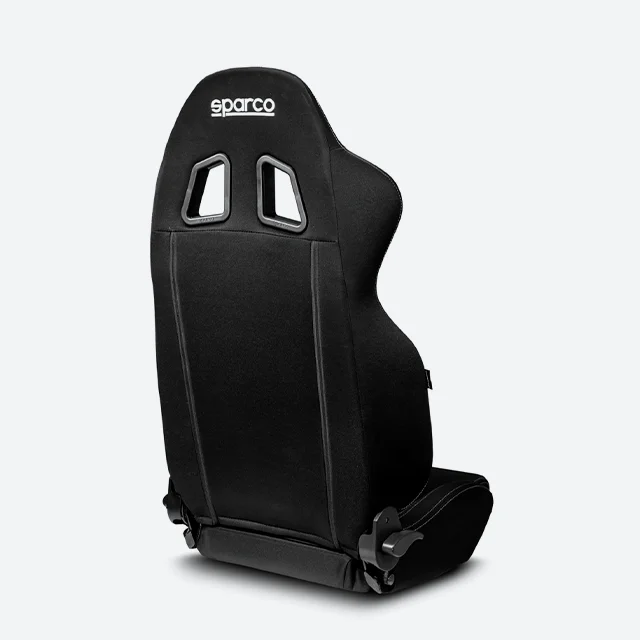
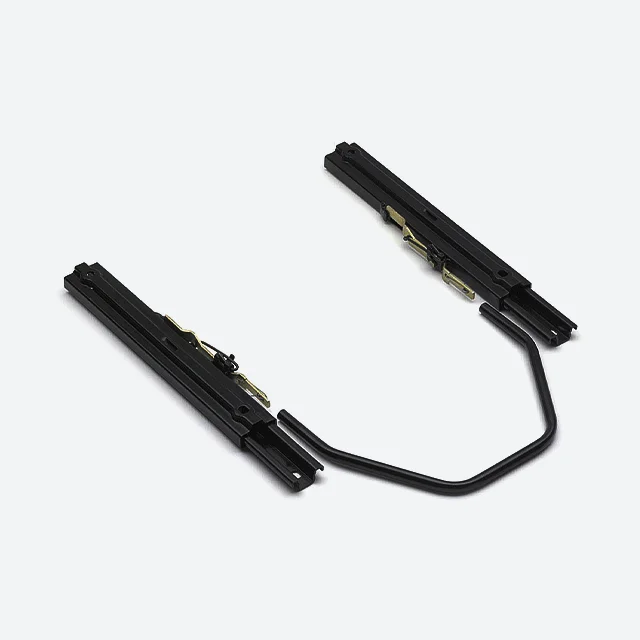
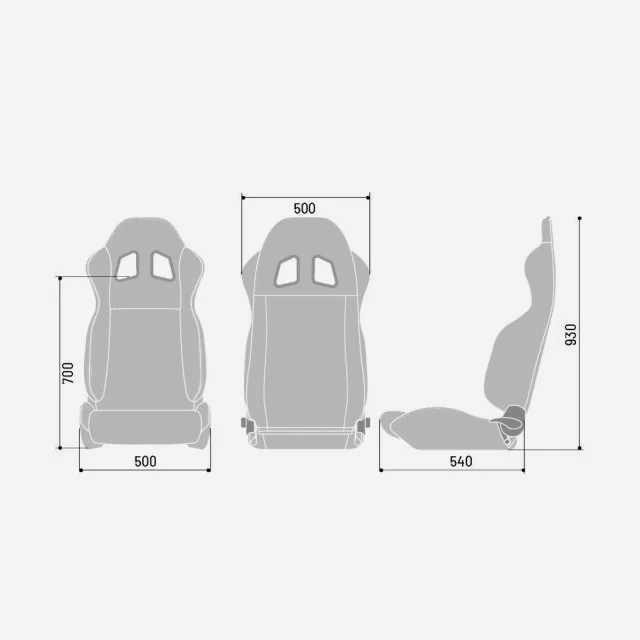
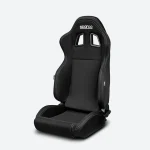
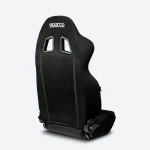
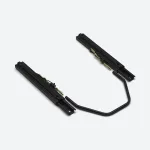
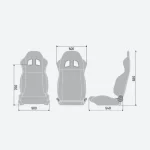
Sparco R100 Seat
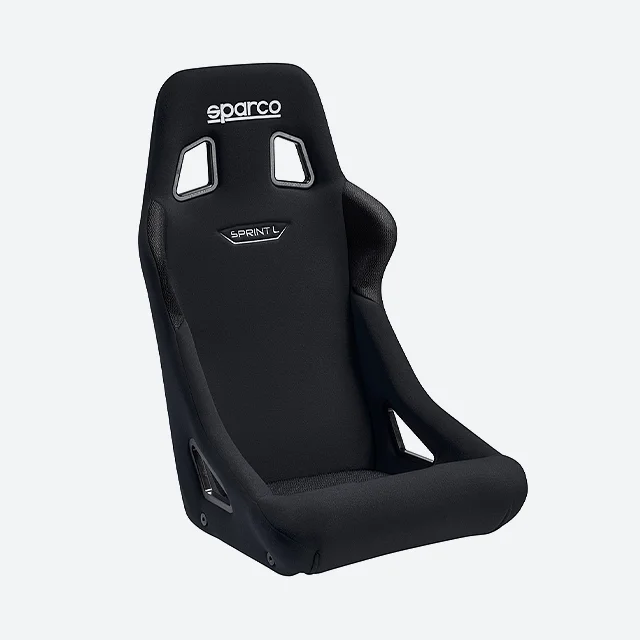
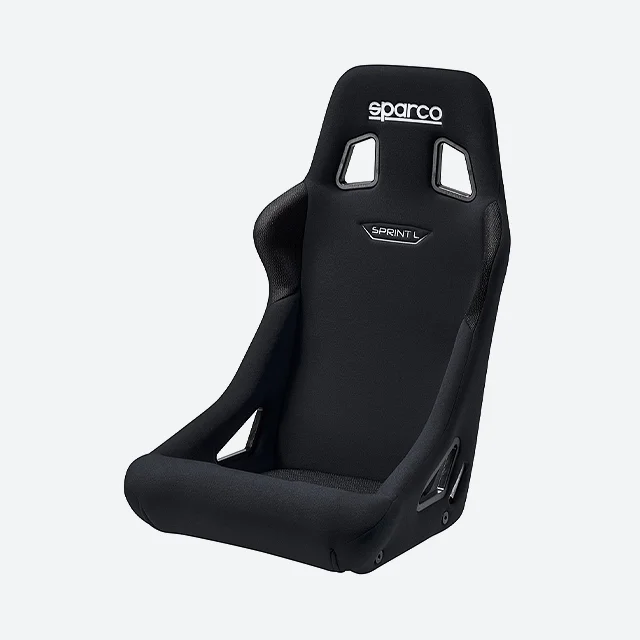
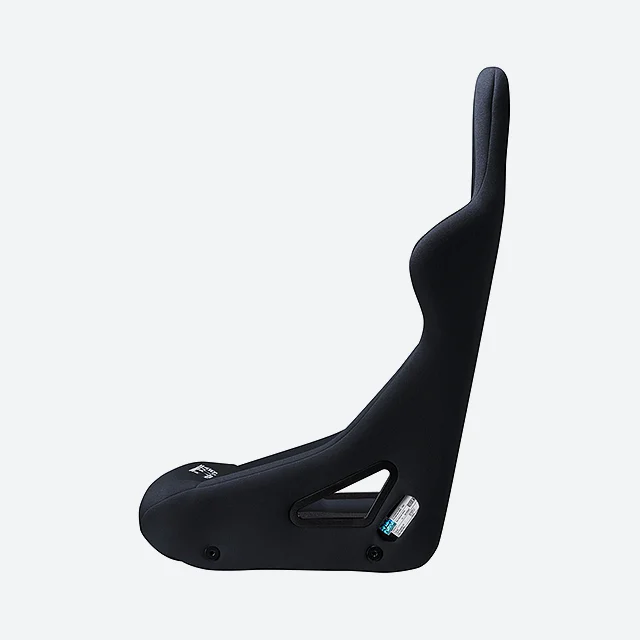
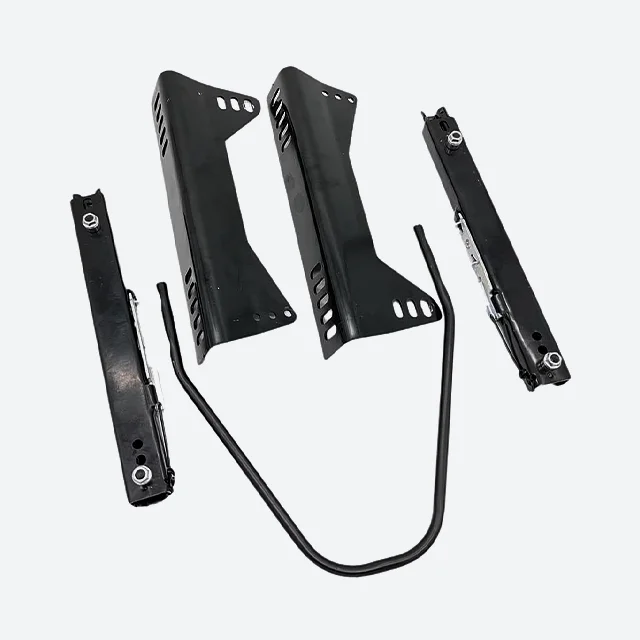
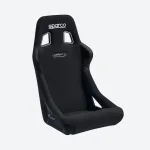
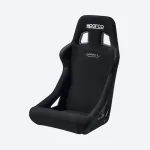
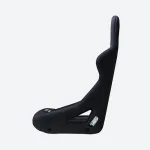
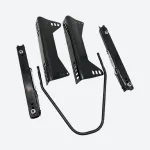
Sparco Sprint Seat
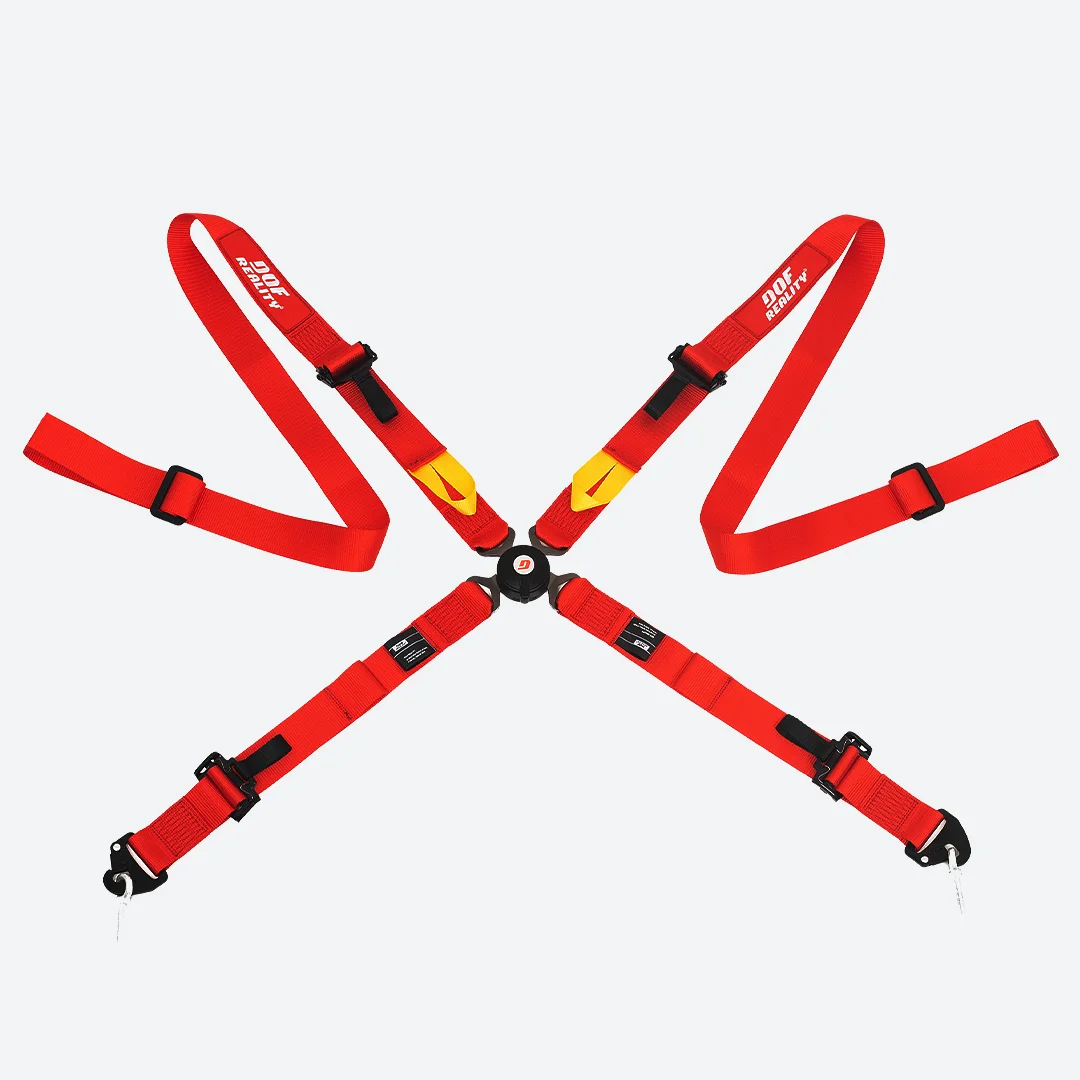
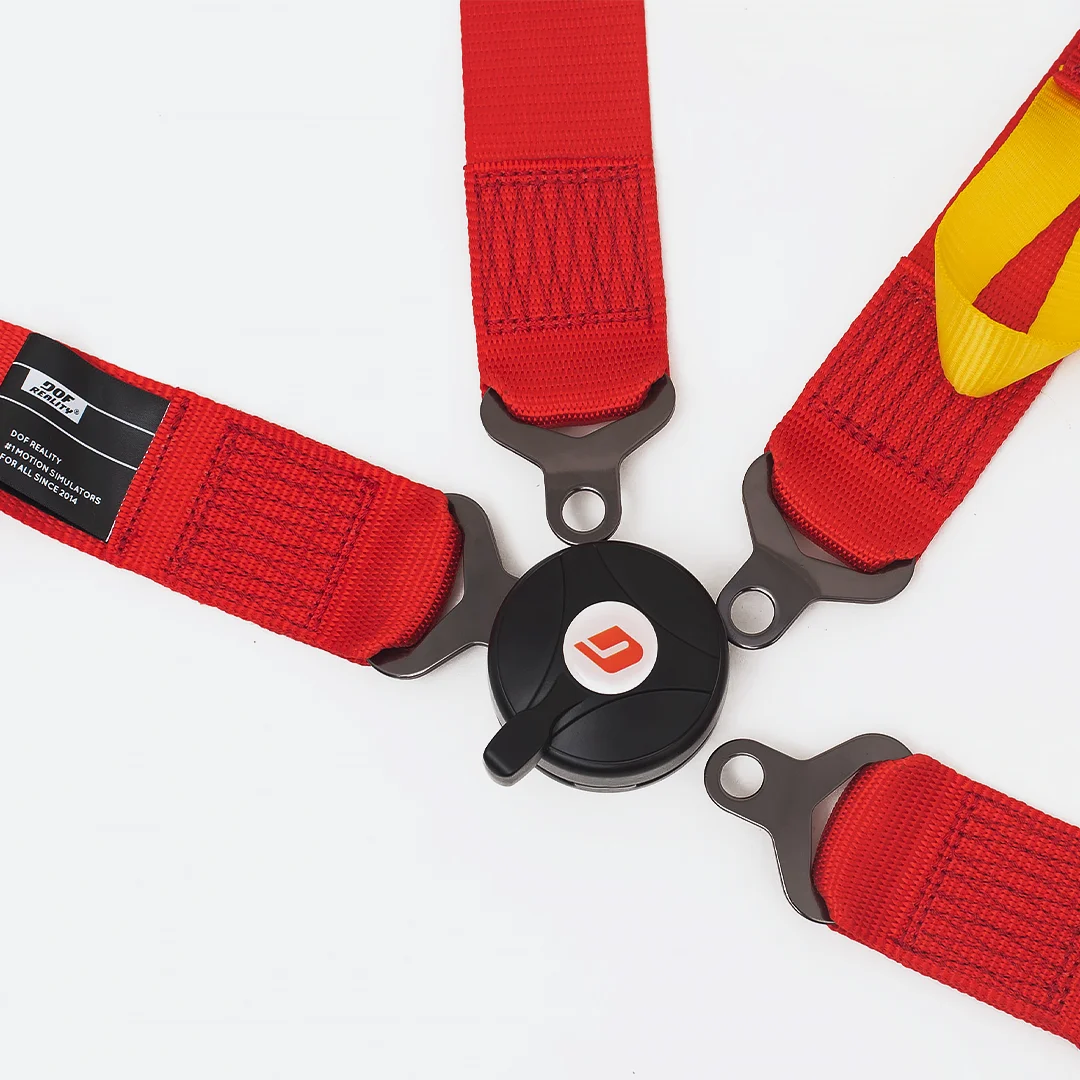
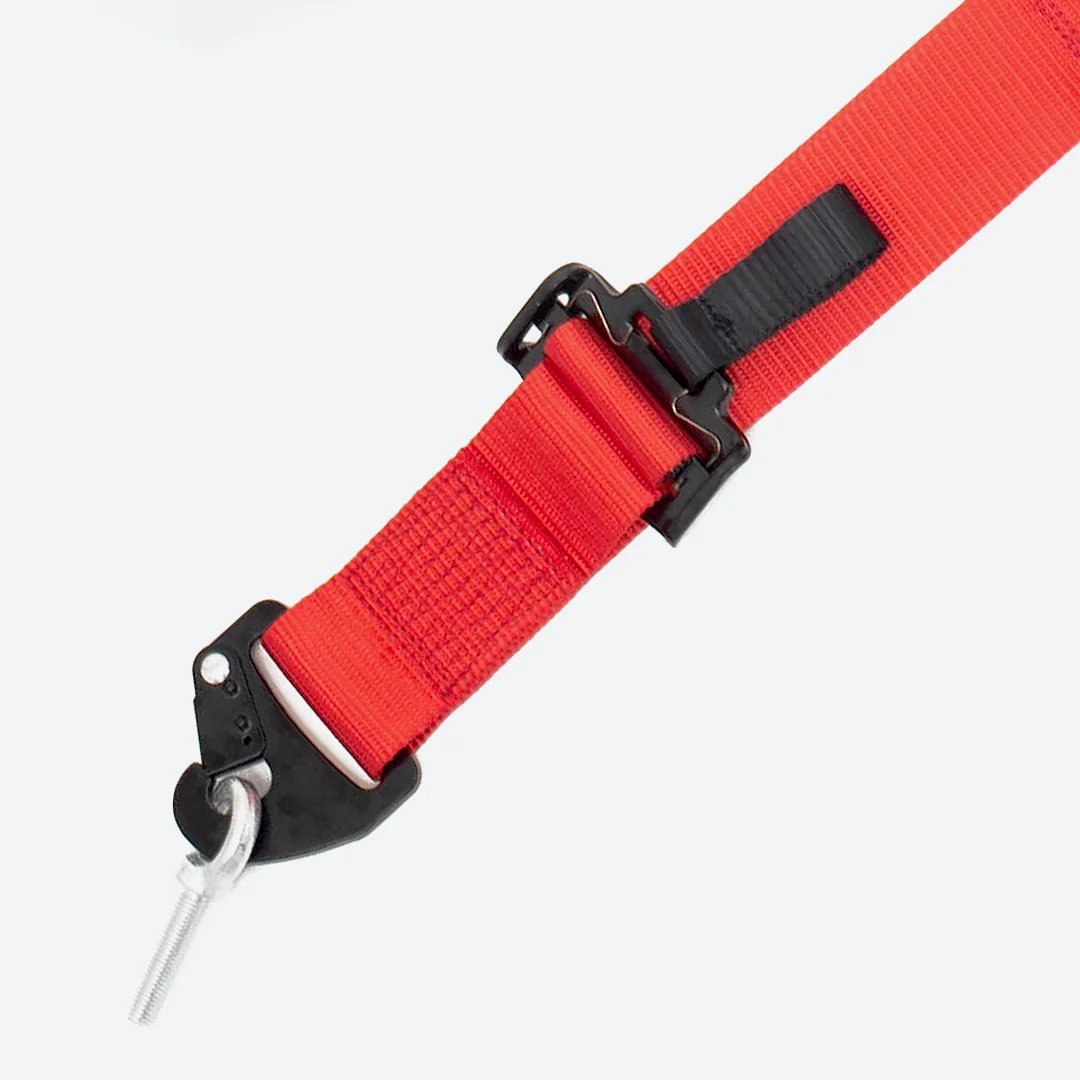
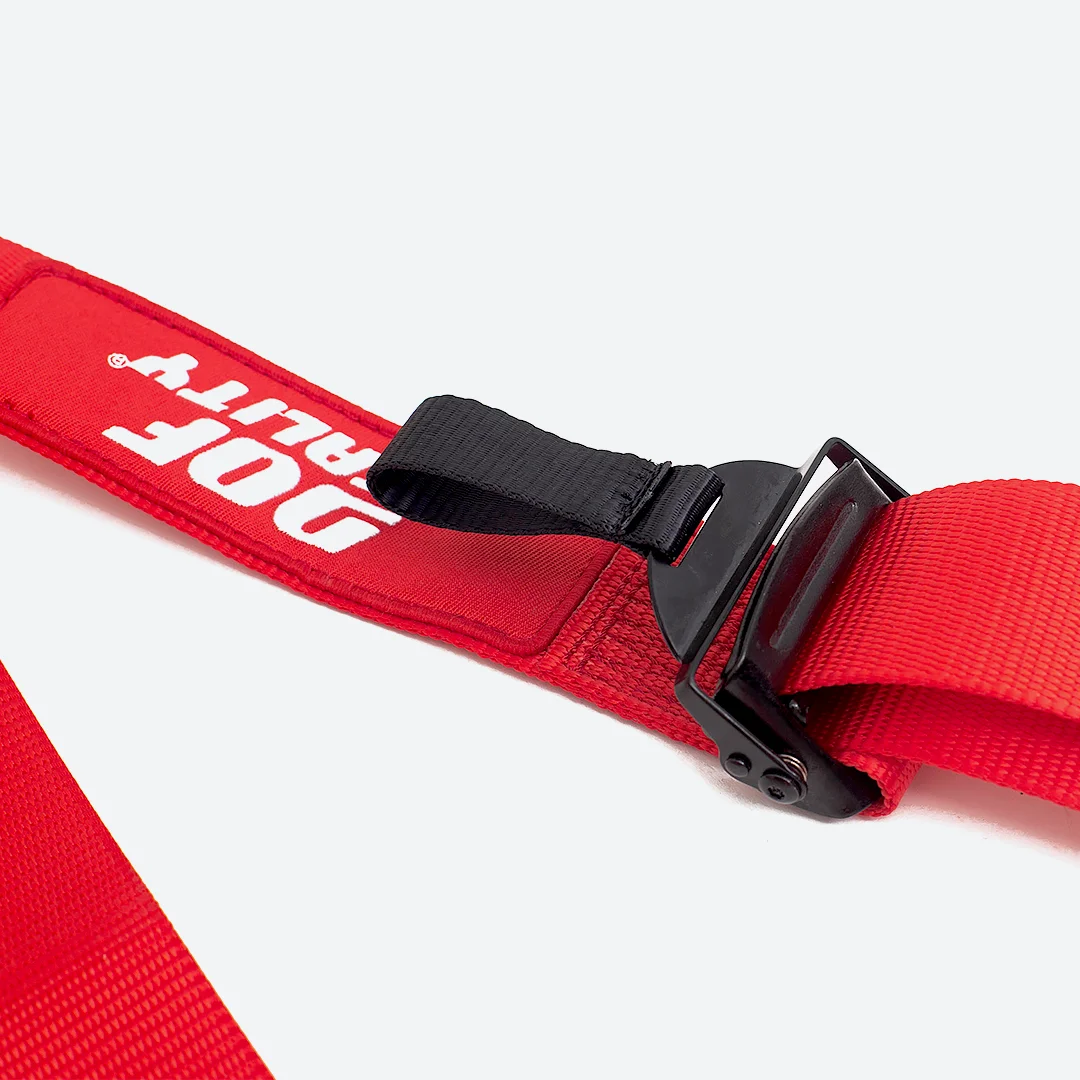
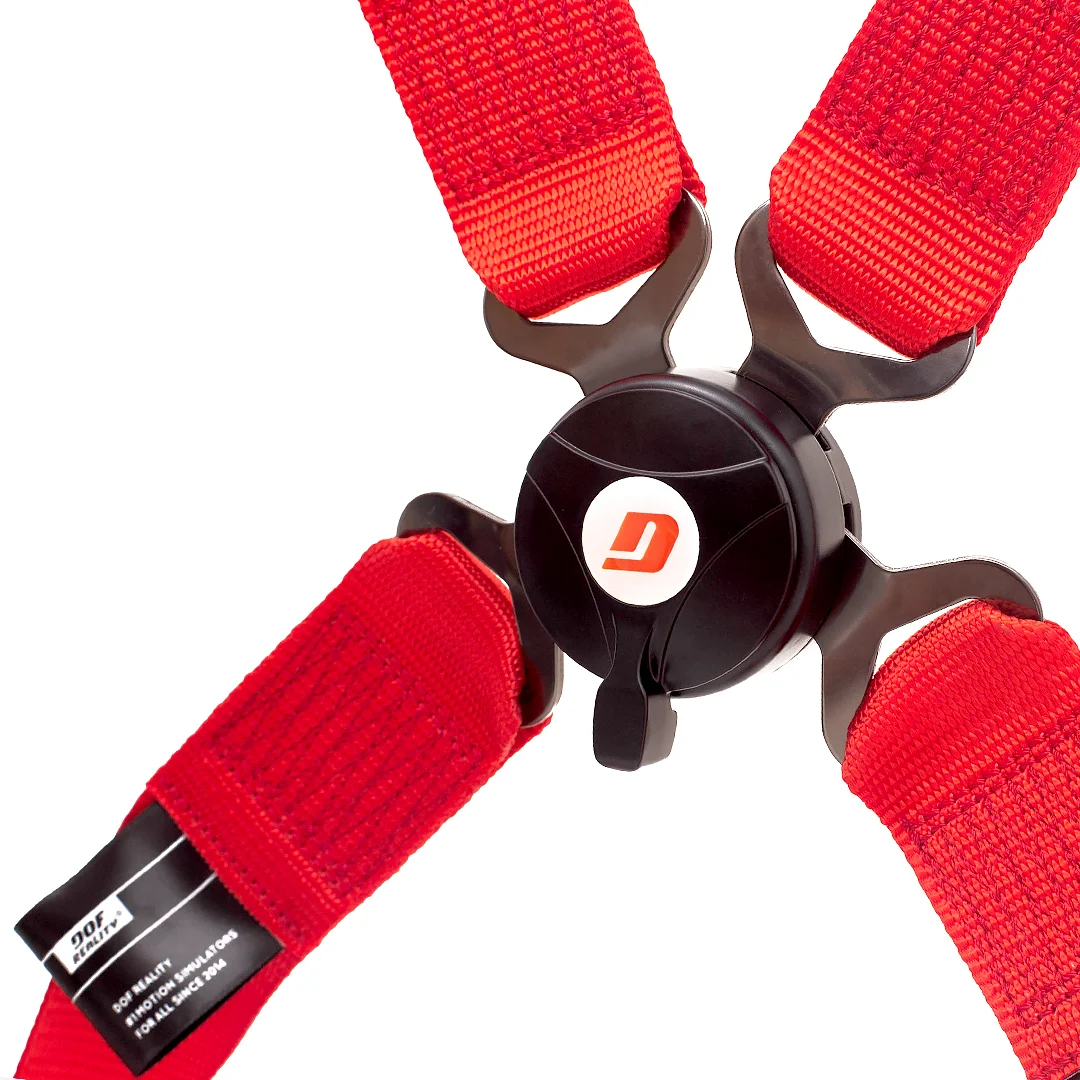
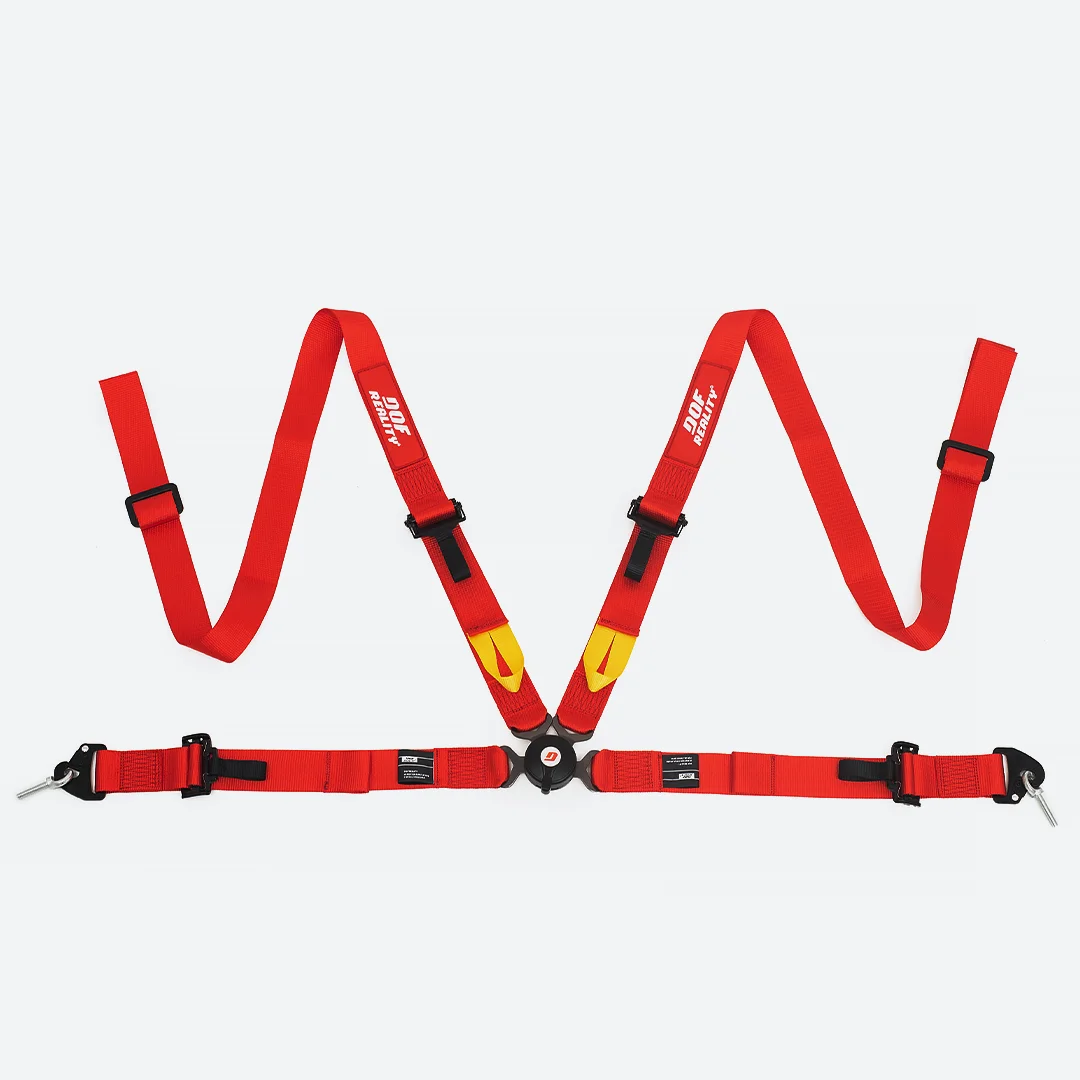
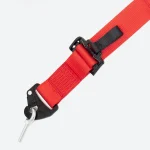
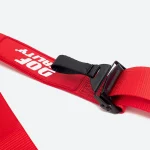
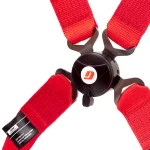
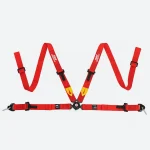
4-point Harness (Red)
Made from 2-inch wide polyester webbing, it ensures durability and comfort, complete with DOF Reality branding to elevate your simulator experience.
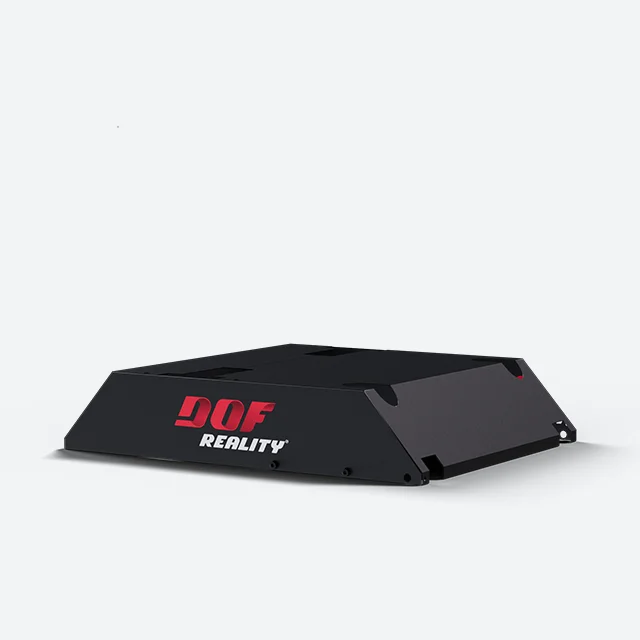
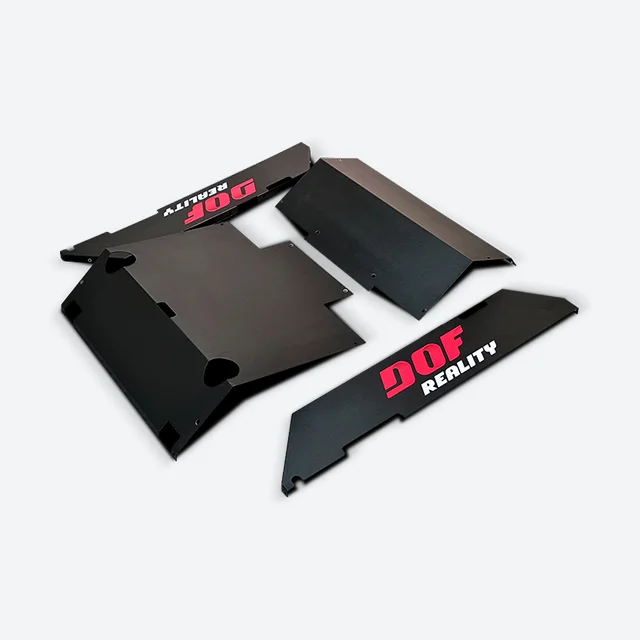
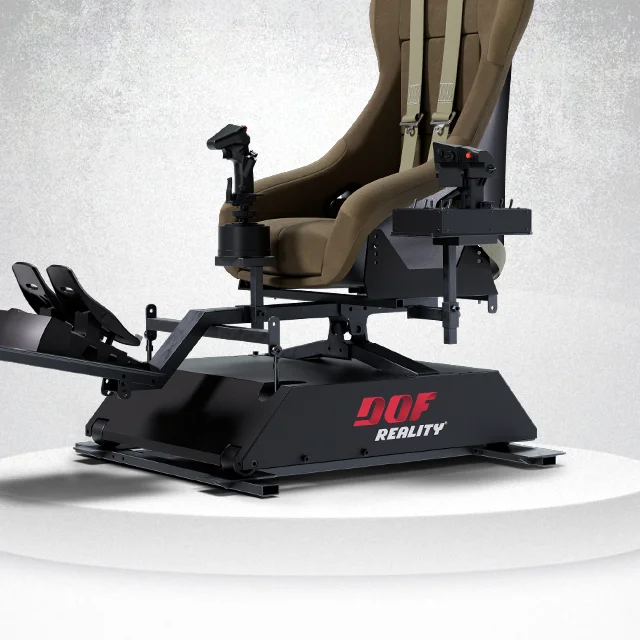
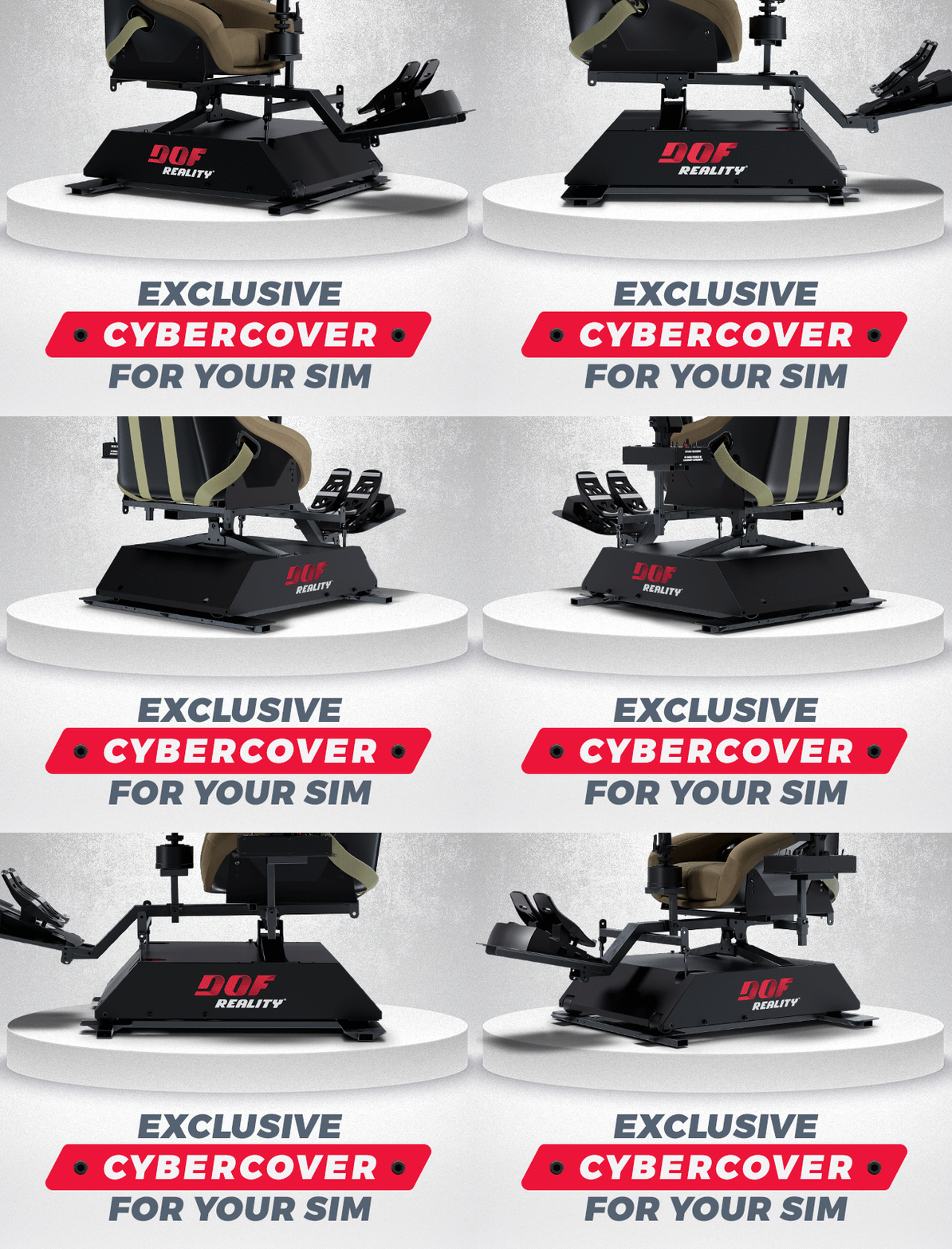
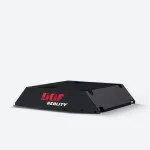
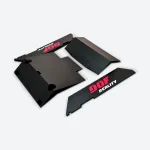
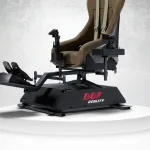
Metal Cyber Cover v2
- Protect pets and children
- Hides the technical guts of your platform
- Provides a seamless, sleek design
- Protects the mechanics from dust and spills
- Structurally designed to be lightweight and durable
- Precision laser-cut, powder-coated steel
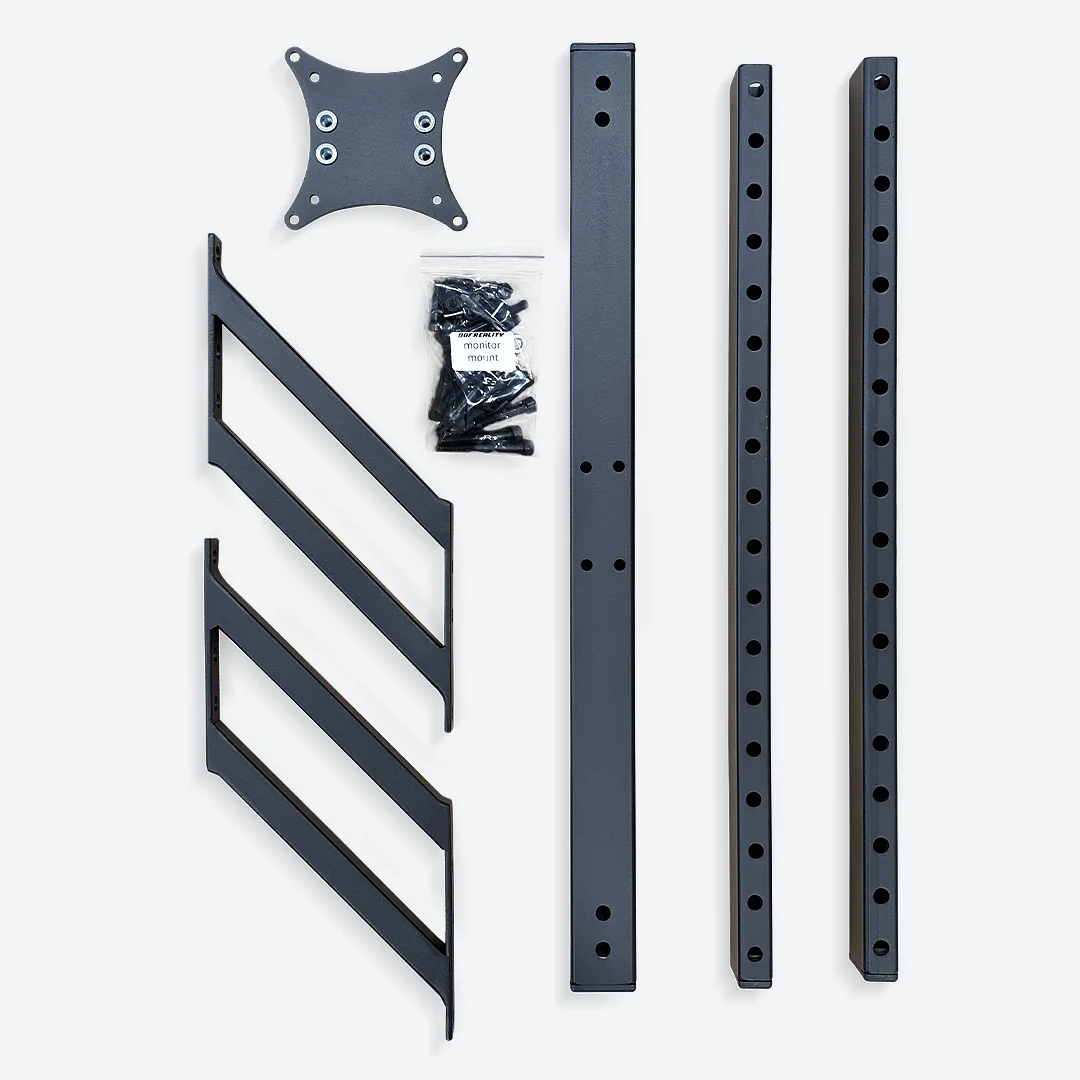
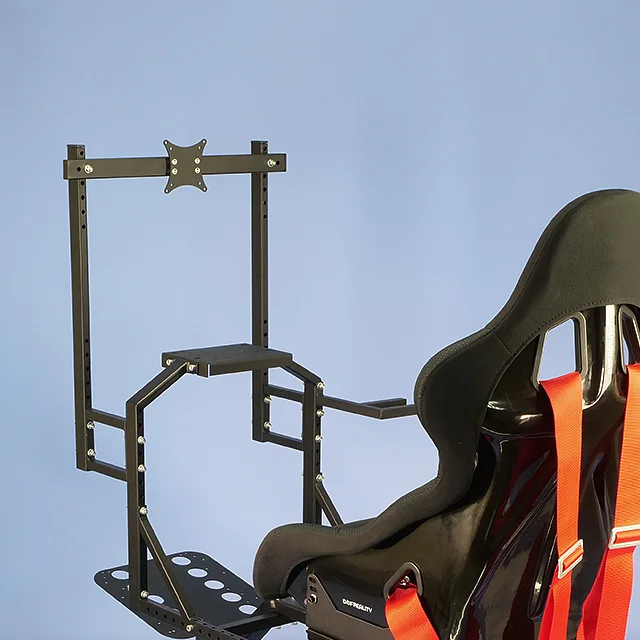
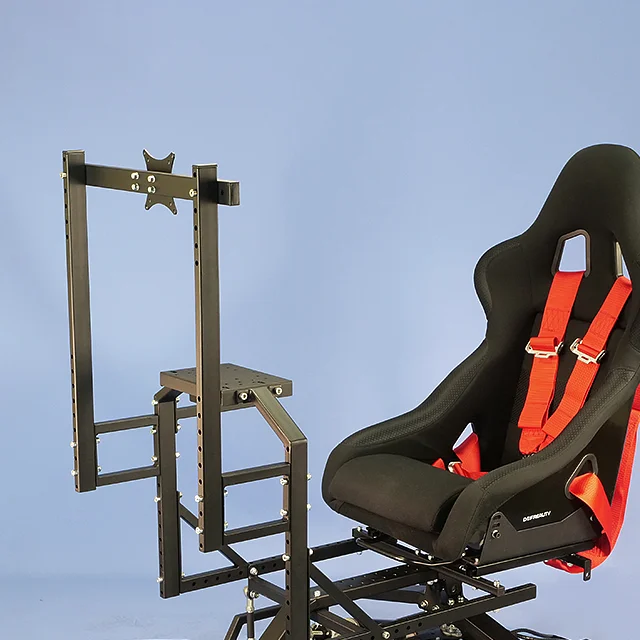
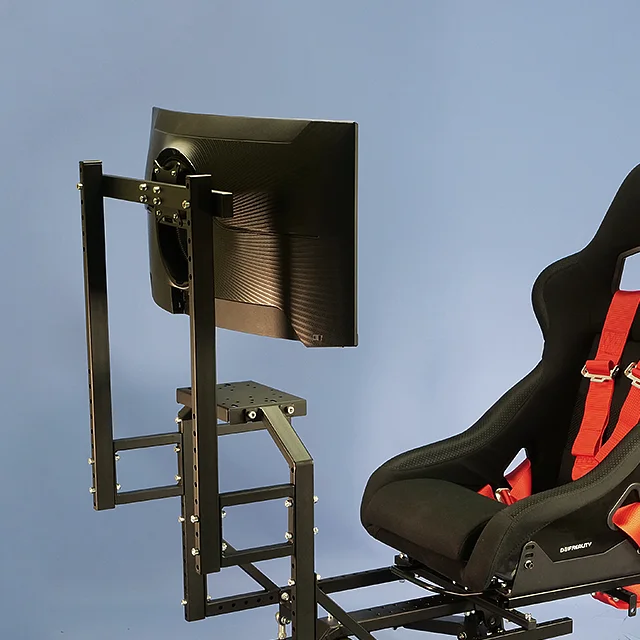
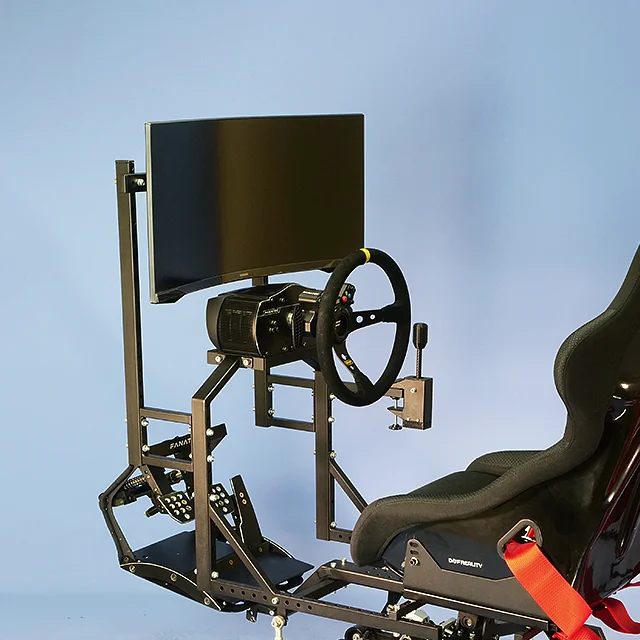
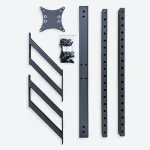
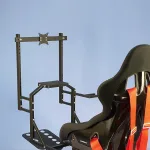
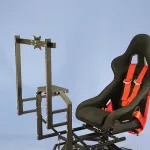
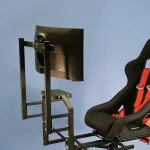
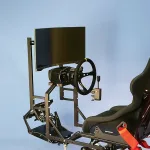
Monitor Mount
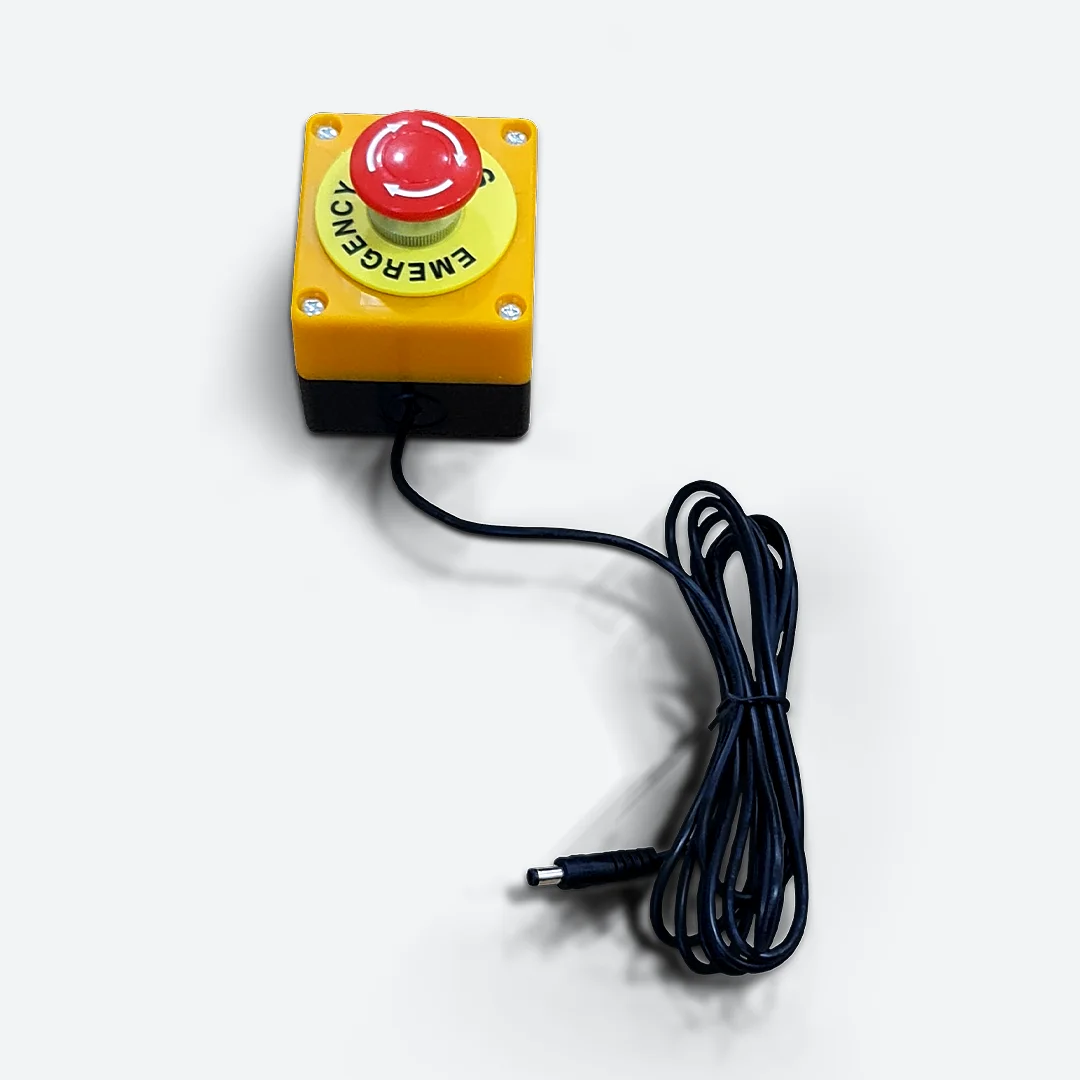
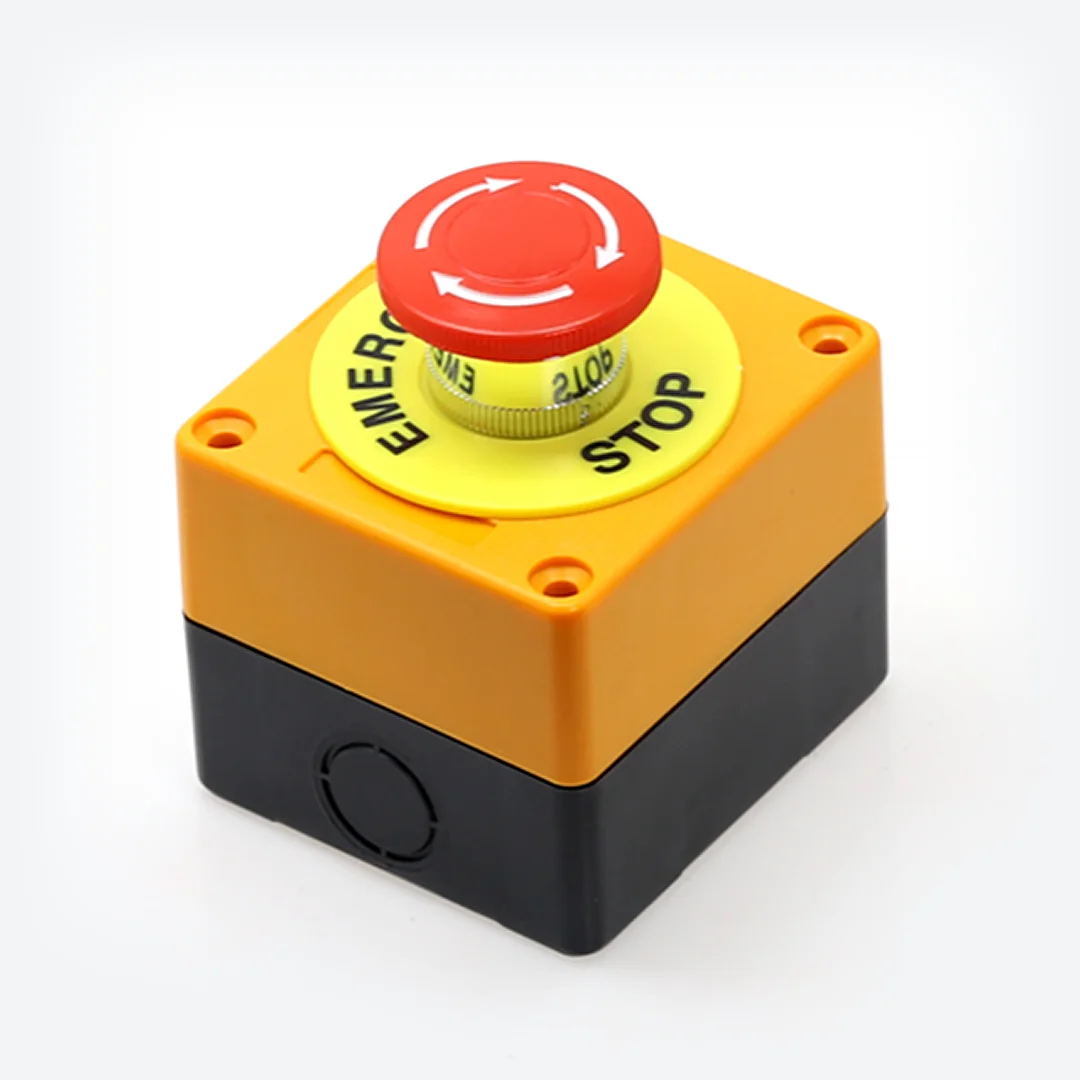
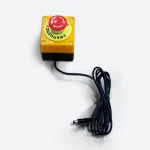

eBreak Stop Button
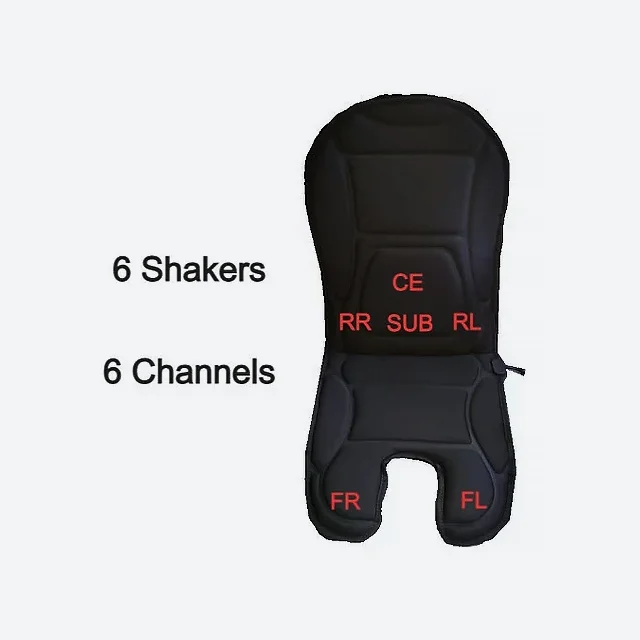
SRS UShake 6
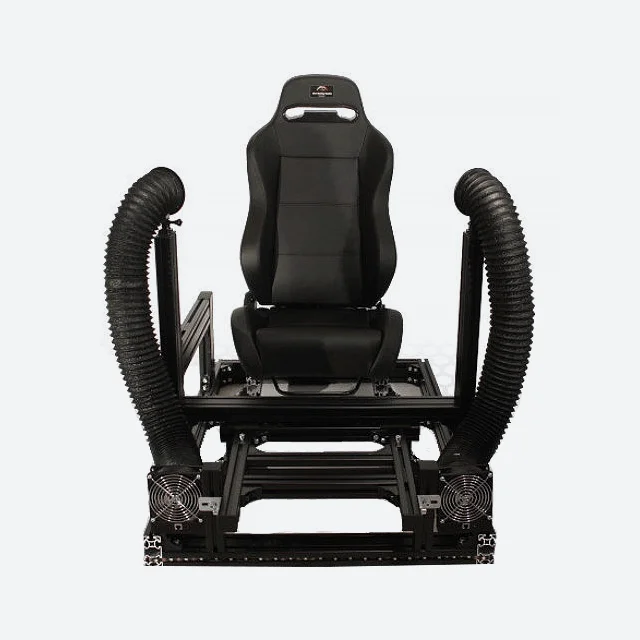
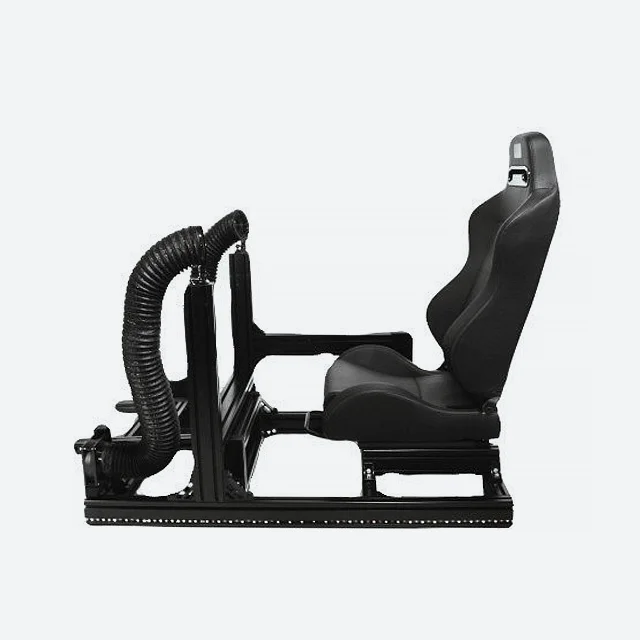
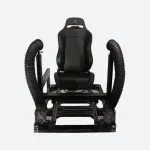
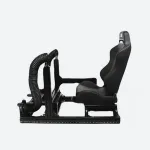
SRS Hurricane Wind Package
- GoPro 360 for the tube tip
- Aluminum profile for the fan base
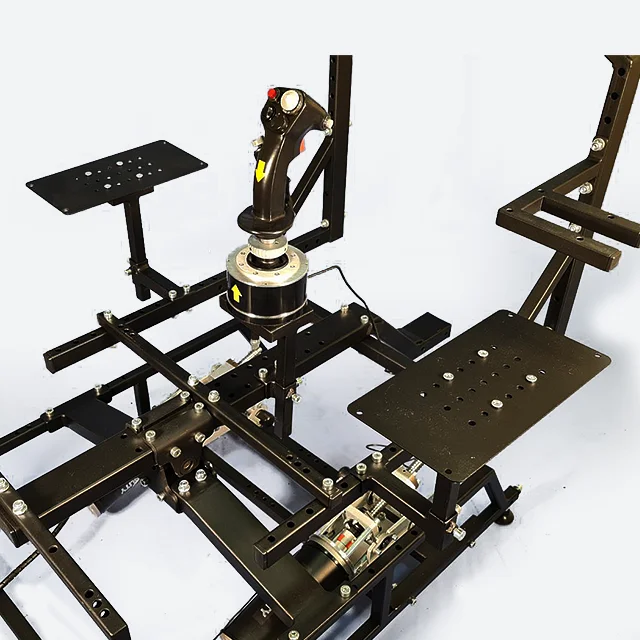
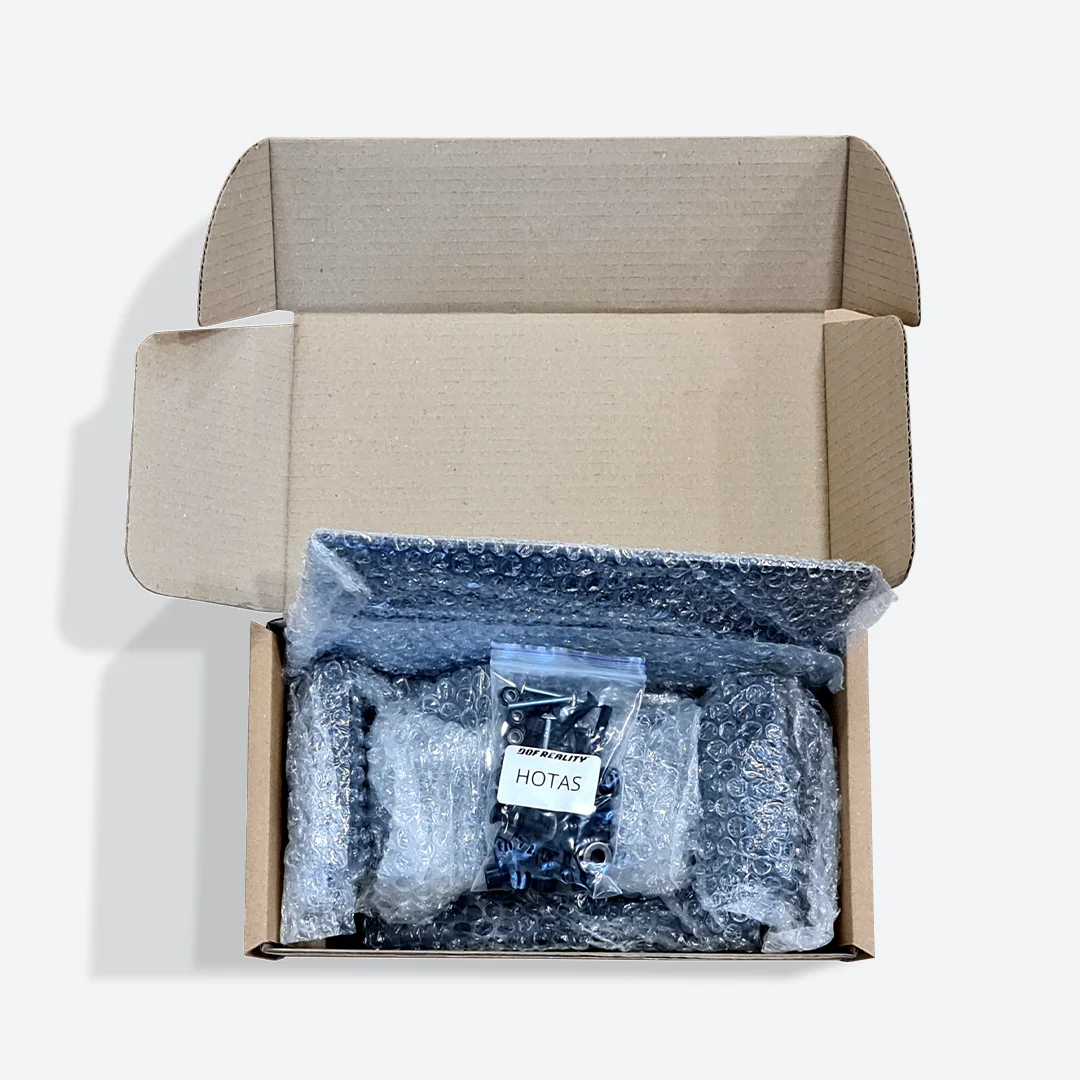
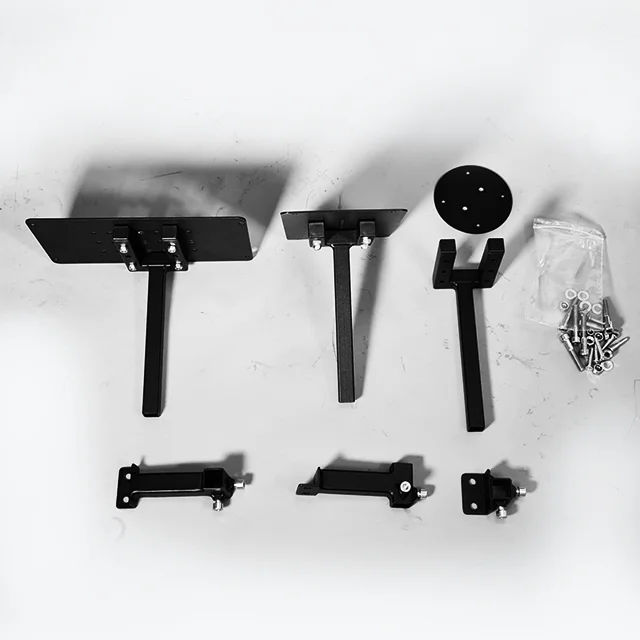
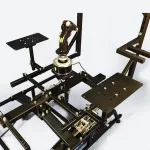
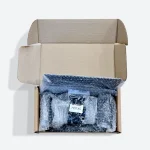
HOTAS mounts kit
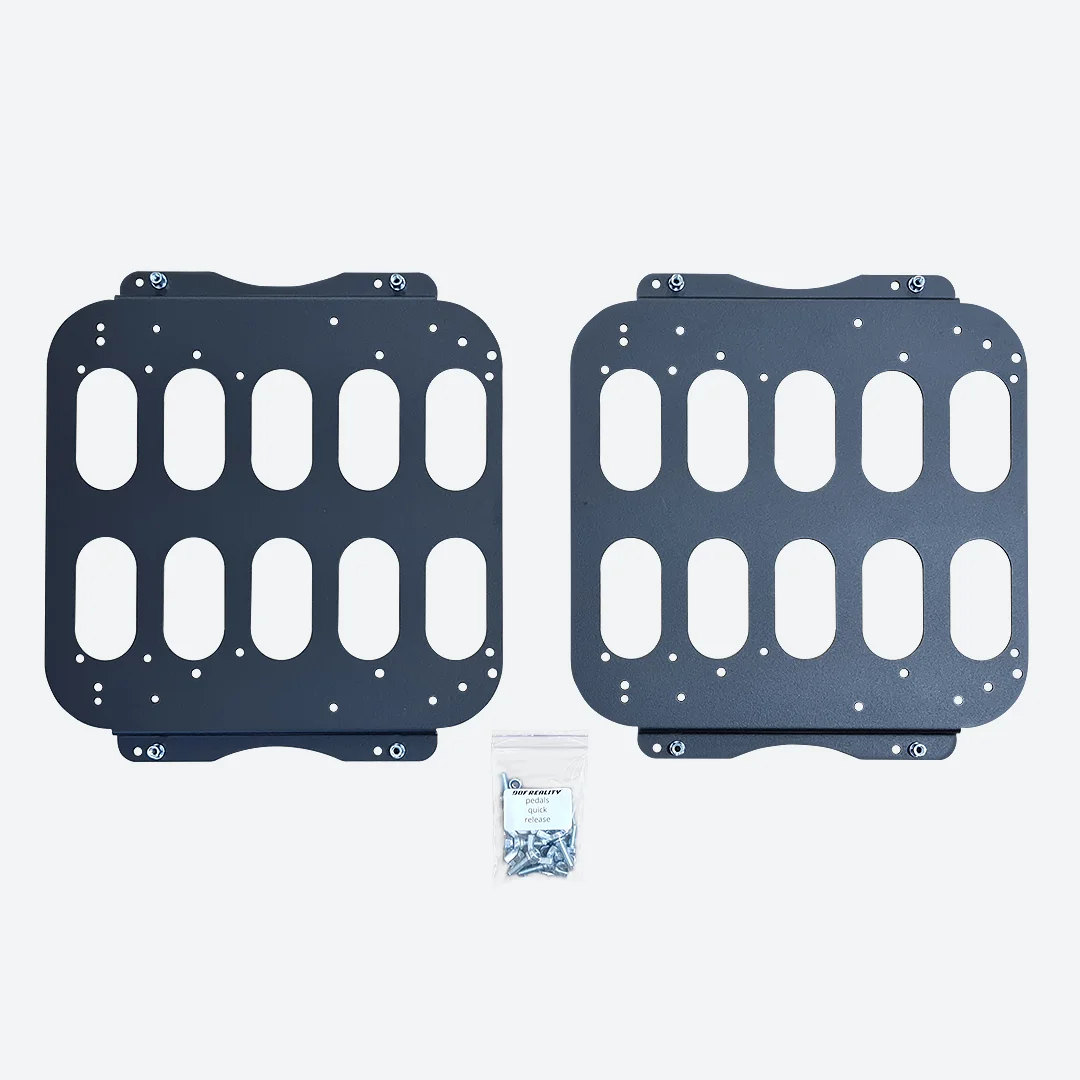
Pedals Quick Release
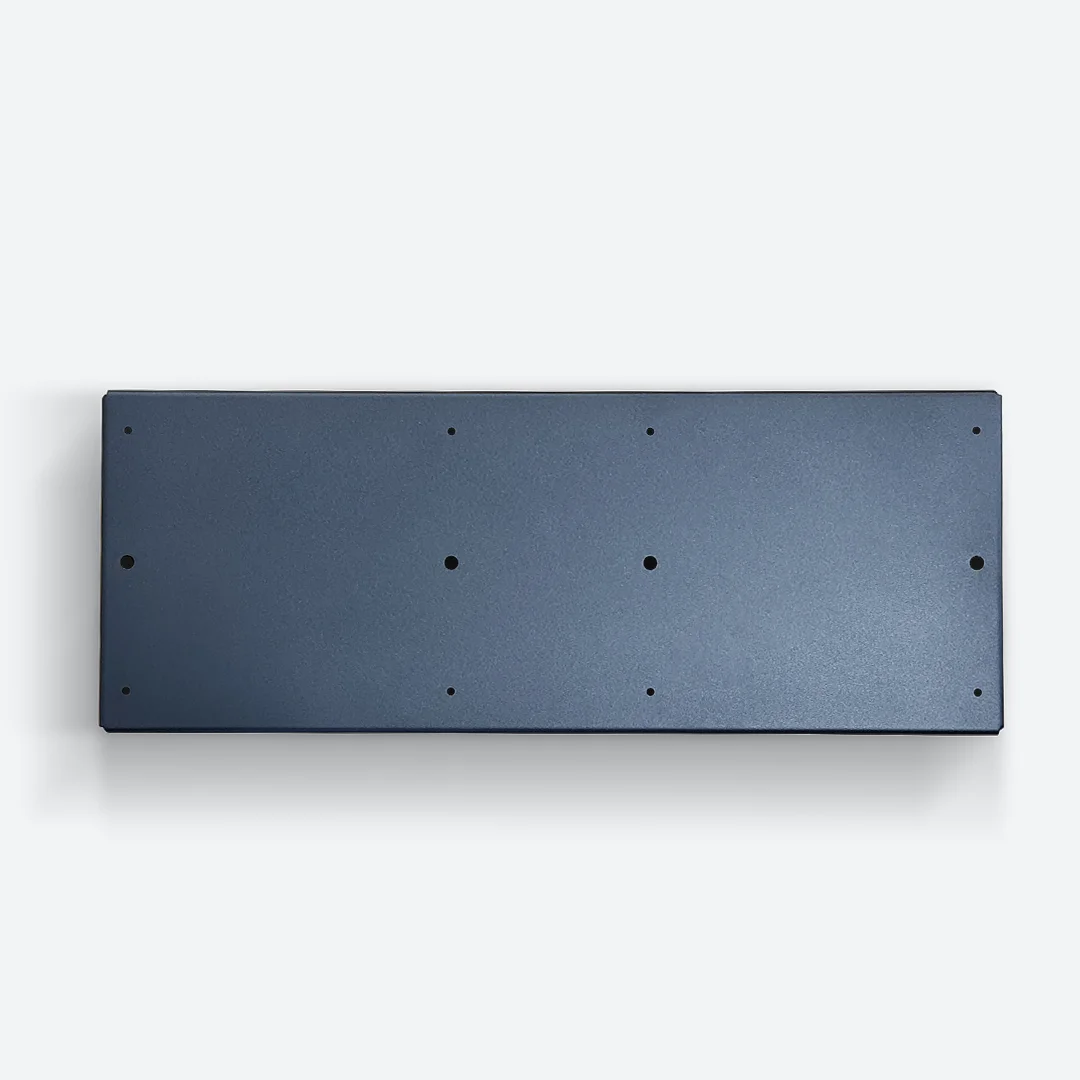
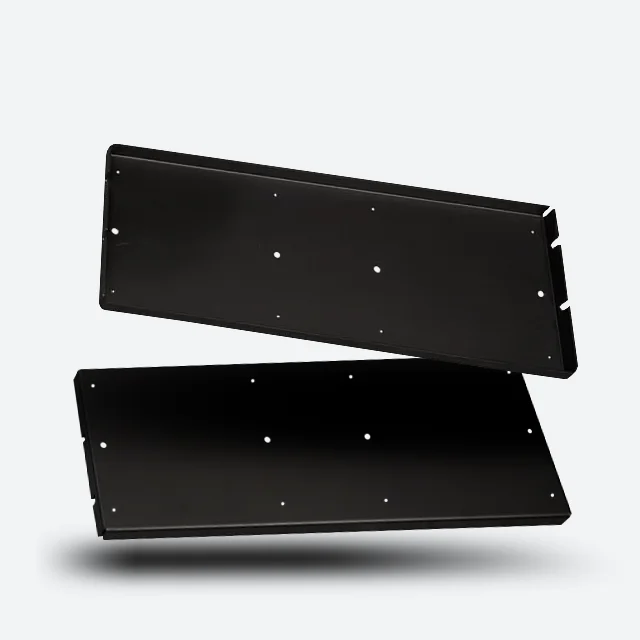
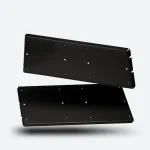
HoneyComb A+B adapter
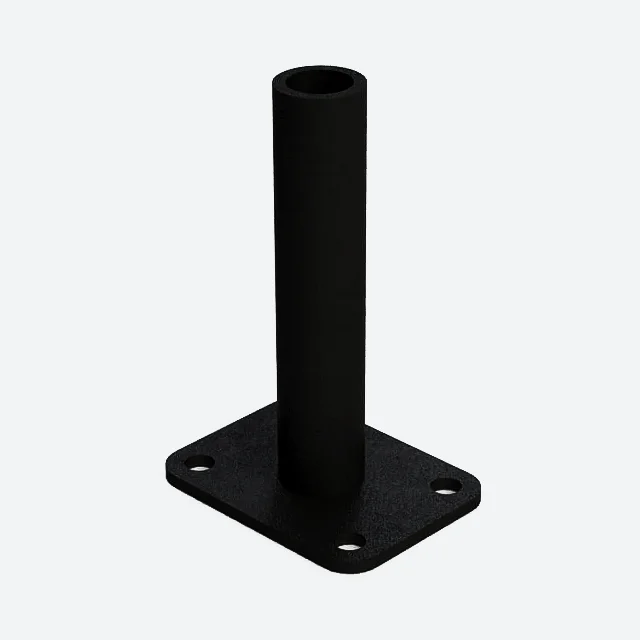
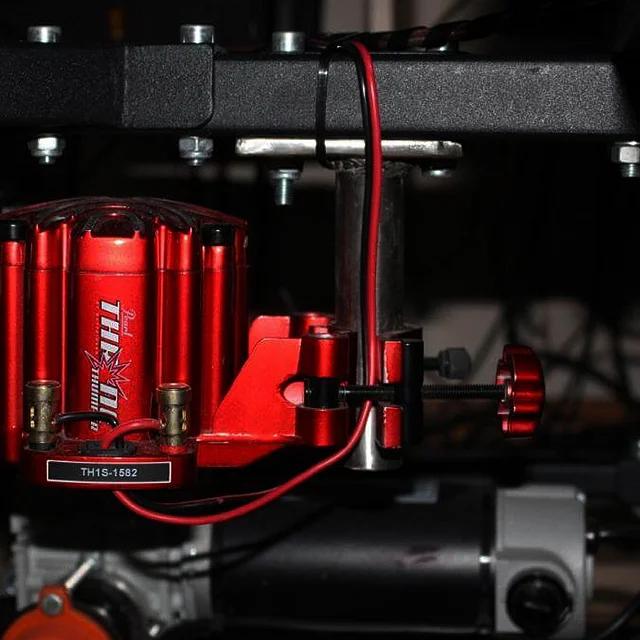
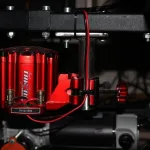
Buttkicker Mount
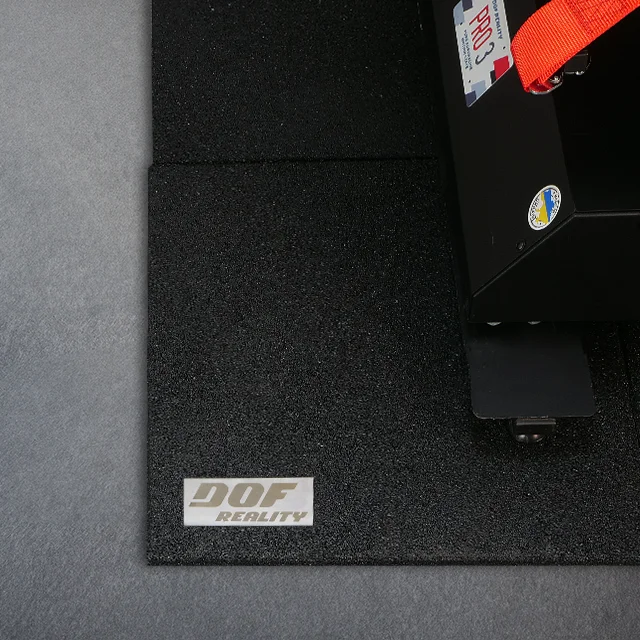
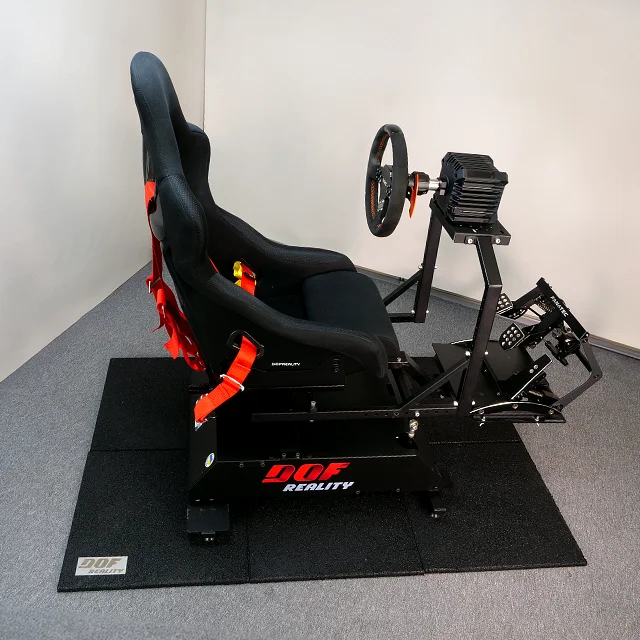
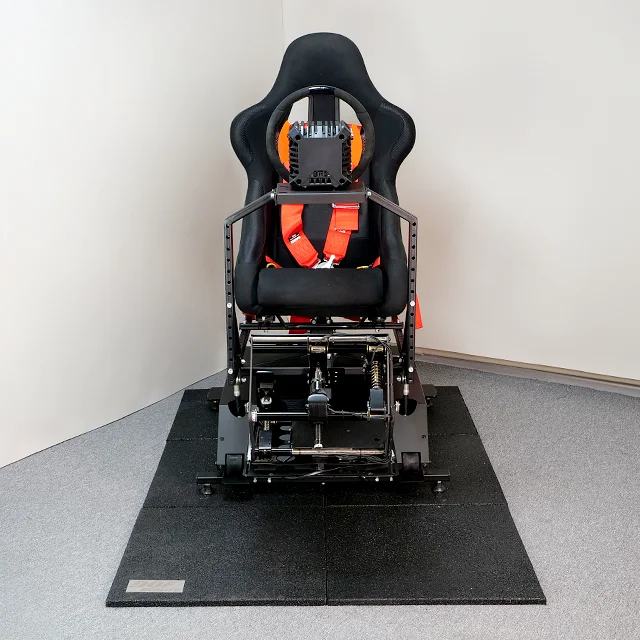
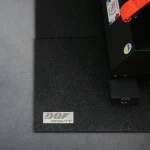
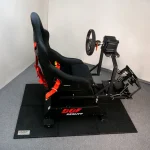
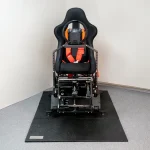
Mat with DOF Reality Shield for 2-4DOF Platforms
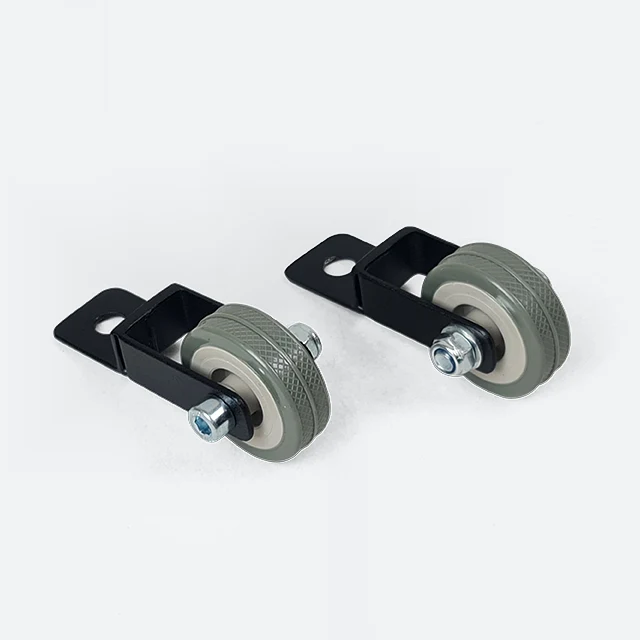
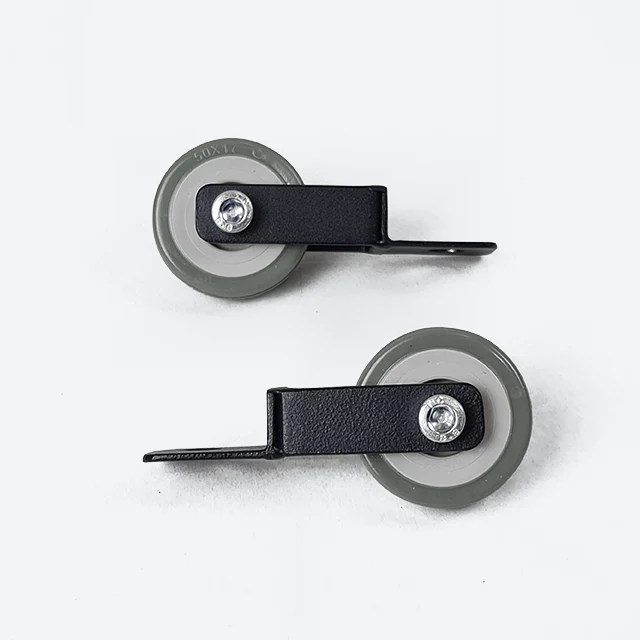
Transportation Wheels for 3 DOF Platforms
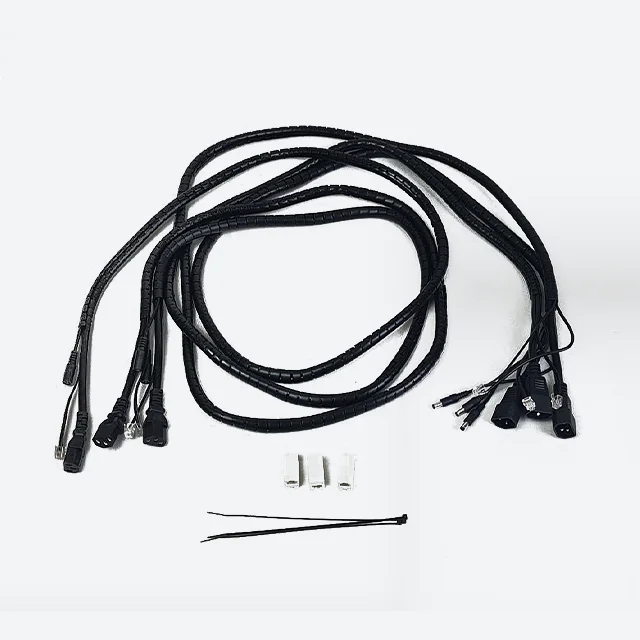
Cables Extension Set for 4DOF Platforms
Choose Your Build

News and Updates!